

The WordPress plugin library currently counts over 68,000 plugins, so finding one for your blog shouldn’t be a problem, right? Well, it is actually a problem, since you don’t need just one WordPress blog plugin. You need plugins to help you run your blog and plugins that improve your blog’s performance, security, or SEO. So, in this guide, we’ll cover both of these types of blogging plugins and help you select the best ones.
Table of Contents
- Best WordPress Plugins for Blogs at a Glance
- How We Evaluated WordPress Blog Plugins
- 1. DropInBlog: Best for Creating and Managing Blogs
- 2. Yoast SEO: Best for Optimizing Your Content for Search Engines
- 3. WP Rocket: Best for Speeding Up Your Blog
- 4. UpdraftPlus: Best for Backing Up Your Content
- 5. Wordfence: Best for Securing Your Blog
- 6. WPForms: Best for Email Capture and Adding Forms to Your Blog
- 7. Smush: Best for Optimizing Your Blog’s Images
- 8. Akismet: Best for Blocking Spam
- 9. Social Snap: Best for Adding Social Sharing Buttons to Blog Posts
- 10. Burst Statistics: Best for Blog Analytics
- 11. Link Whisper: Best for Building an Internal Link Strategy
- 12. Easy Table of Contents: Best for Adding a ToC to Your Blog Posts
- How Many Plugins Does a Blog Actually Need?
- FAQs
- Choose the Best WordPress Blog Plugins Wisely
Best WordPress Plugins for Blogs at a Glance
| Plugin | Best for | Starting price |
|---|---|---|
| DropInBlog | Creating and managing blogs | See current pricing |
| Yoast SEO | Optimizing your blog for search engines | $118.80/year |
| WP Rocket | Speeding up your blog | $59/year |
| UpdraftPlus | Backing up your blog | $70/year |
| Wordfence | Keeping your blog safe | $149/year |
| WPForms | Adding forms to your blog | $99/year |
| Smush | Optimizing images on your blog | $5/month |
| Akismet | Blocking spam | $9.95/month |
| Social Snap | Adding social sharing buttons | $39/year |
| Burst Statistics | Tracking your blog’s traffic | $49/year |
| Link Whisper | Adding internal links to blog posts | $8/month |
| Easy Table of Contents | Adding ToCs to your blog | $49/year |
How We Evaluated WordPress Blog Plugins
To give you an overview of the blog plugins we’ve selected, we set up a test account and installed all of them to share our first-hand experience. While testing the plugins, we examined the following aspects:
Setup time: We looked for plugins that are easy to install and configure to compile a list of plugins with a low learning curve.
Update frequency: We searched for blog plugins that are regularly updated, well maintained, and compatible with newer versions of WordPress.
Free and premium value: Where possible, we tested the plugins’ free plans to determine if the free version is useful and whether the paid features justify the upgrade cost.
1. DropInBlog: Best for Creating and Managing Blogs
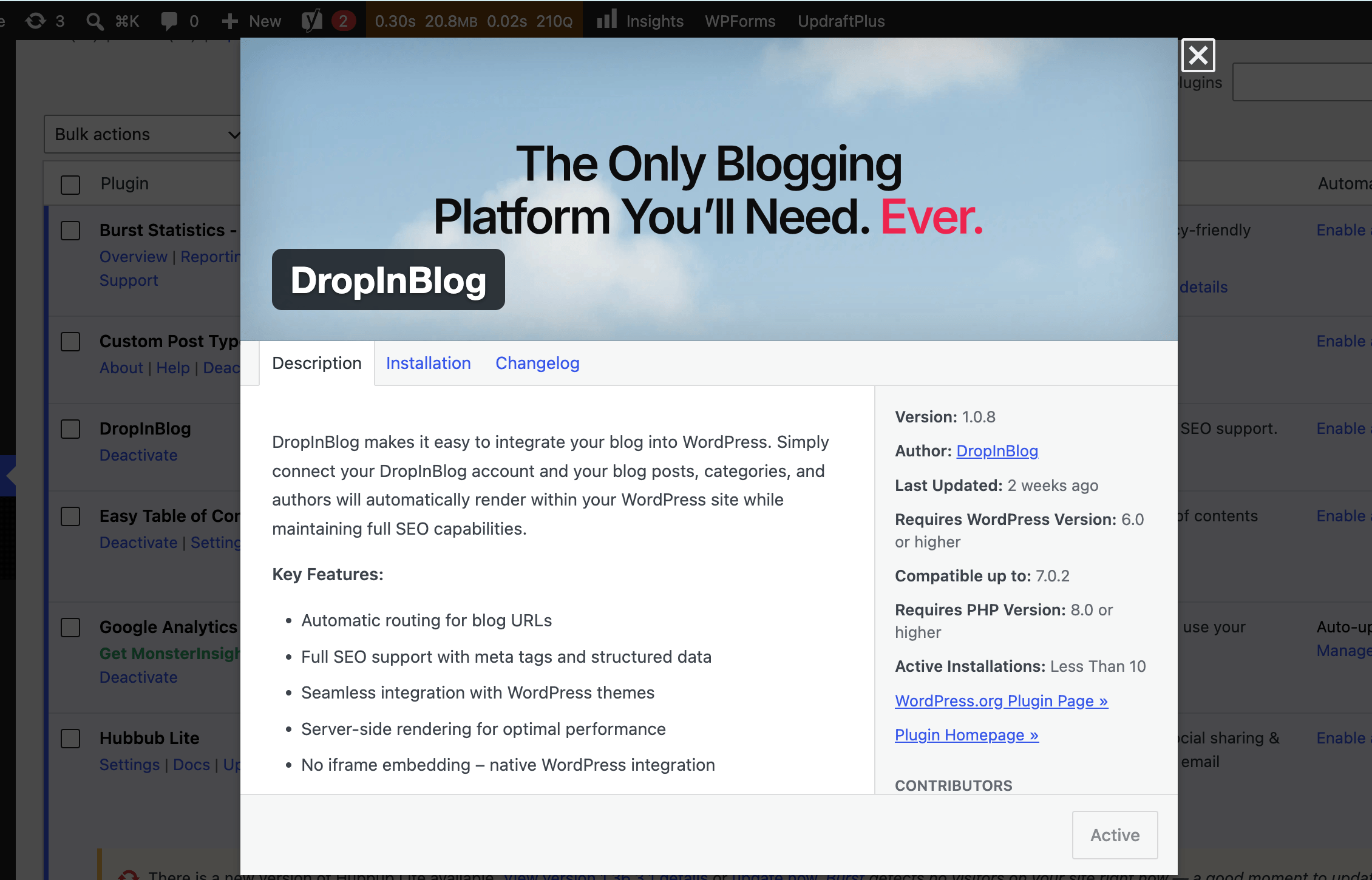
DropInBlog is a professional blogging platform that has its own plugin in the WordPress plugin directory. Unlike traditional WordPress blog plugins that only extend the functionality of the native content editor, DropInBlog has its own content editor, a content management system, and built-in SEO.
Since all of these blogging features are built in, DropInBlog replaces several plugins, putting everything you need to run an SEO-optimized blog into a single plugin. Whether you want to manage your blog separately from your main WordPress-powered site or add another blog to WordPress, you can do so with this WordPress plugin for blogs.
Key features:
Feature-rich content editor
The SEO Analyzer (built-in SEO analysis tool)
Blog Pilot™ (AI-powered content planning tool)
Smart Snippets™ (reusable content blocks)
Blog Voice AI™ (text-to-speech functionality)
Pricing: DropInBlog doesn't offer a free plan, but it does offer a free trial. Its paid plans scale to fit businesses of different sizes.
Pros
Easy to use
Replaces several plugins
Automatically adapts to your WordPress site’s design
Integrates with a host of tools, including Zapier
Cons
No free plan
Advanced design customization requires CSS knowledge
Verdict: DropInBlog is worth the price because its advanced blogging features can replace several separate WordPress blog plugins.
2. Yoast SEO: Best for Optimizing Your Content for Search Engines
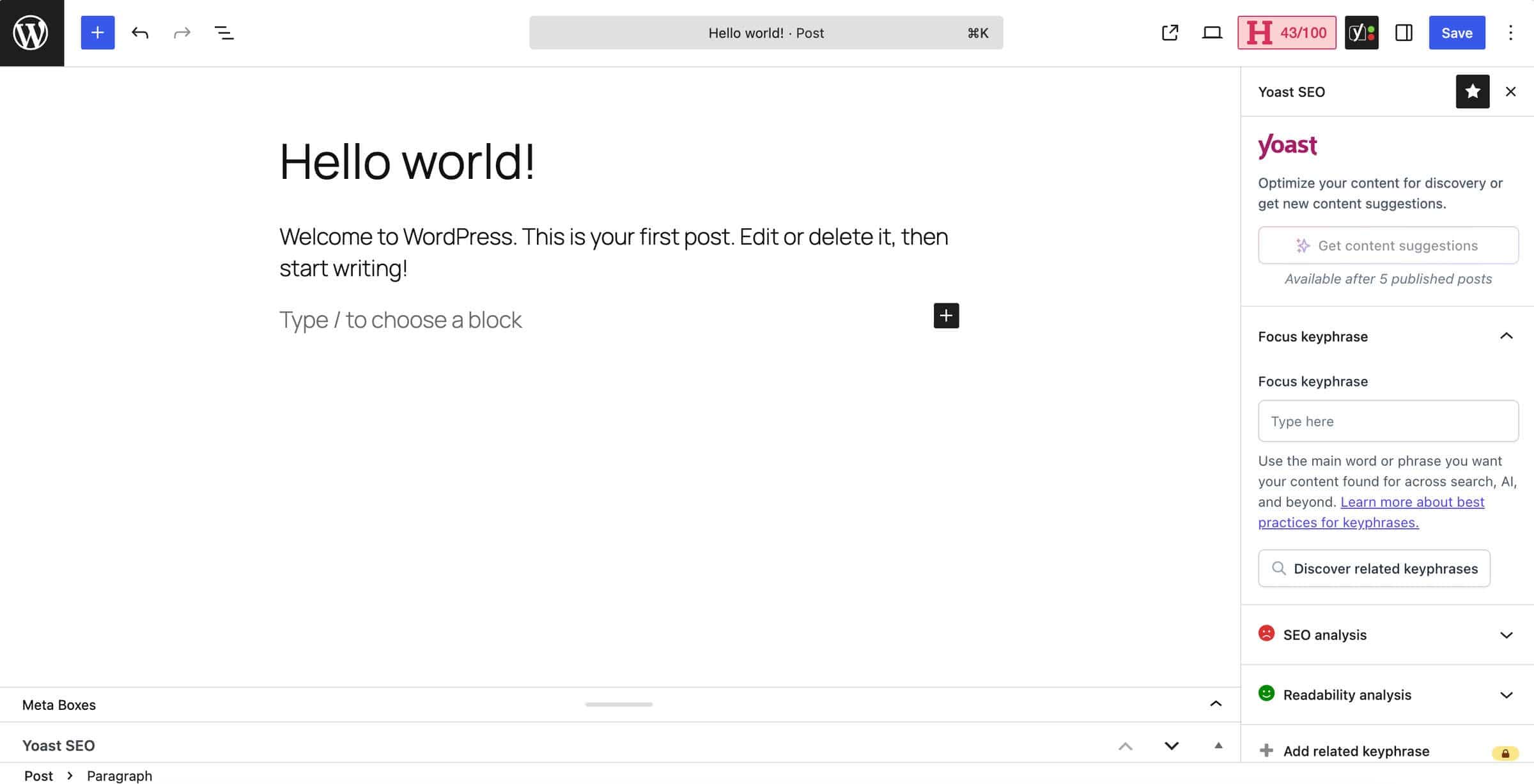
Yoast SEO is an SEO plugin that’s often included in “must-have WordPress plugins” lists, including this one. It currently has over 10 million installs, which isn’t surprising since its purpose is to help everyone optimize their content for search engines regardless of their technical background. Once you install and activate the plugin, you can use it in the WordPress editor right away without additional configuration. The plugin supports traditional SEO features, such as metadata control, and a few other features, including a live SEO scoring tool. It lets you add a word or phrase you want your content to rank for, then analyzes it and offers suggestions to make it more SEO-friendly.
The free version checks your on-page SEO and readability score, and generates structured data for your content, while paid plans unlock features such as redirect management, AI-generated meta titles and descriptions, and internal link suggestions.
Key features:
Metadata control
On-page SEO analysis
Readability checks
Technical SEO automation, including canonical URLs and XML sitemaps
Pricing: Yoast offers a feature-rich free plan, while its premium version costs $118.80/year.
Pros
A generous free plan
Works from within the content editor
Doesn’t require technical knowledge for technical SEO settings
Compatible with the classic editor and Gutenberg
Cons
The free plan doesn’t support redirect management or internal link suggestions
A large number of settings, scores, and suggestions can be overwhelming
Somewhat intrusive advertising on the free plan
Verdict: Yoast SEO is worth installing because it offers clear, practical SEO tips. Upgrading it to the premium version isn’t necessary, though, since most of the features you’ll use every day are included in the free plan.
3. WP Rocket: Best for Speeding Up Your Blog
WP Rocket is one of the most widely recommended performance plugins for WordPress sites, currently used on 5.5 million websites. Its purpose is to improve site speed through caching and other optimization techniques, including page and browser caching, file minification, and lazy loading.
Together, these features help pages load faster. WP Rocket also requires no coding skills, which allows non-technical users to improve their site’s performance with minimal setup. Unlike many other WordPress blog plugins on this list, WP Rocket doesn’t have a free plan, so to use it, you’ll need to purchase one of the paid plans.
Key features:
Page and browser caching minimize loading times
Lazy loading for images and videos
RocketCDN delivery is included
Offers built-in performance monitoring
Pricing: WP Rocket offers three pricing plans based on the number of WordPress sites you have: Single ($59/year), Plus ($119/year), and Multi ($299-$599/year). There’s no free plan or trial.
Pros
The plugin doesn’t require coding skills
It automatically applies web performance best practices
It combines several performance tools in one
It’s regularly updated
Cons
It doesn’t have a free plan or a free trial
Some optimization features can cause conflicts with other plugins
Some features like link preloading can be resource-intensive
Database cleanups can’t be undone
Verdict: WP Rocket is worth the premium price tag if you want to improve your blog speed without handling technical optimizations yourself.
4. UpdraftPlus: Best for Backing Up Your Content
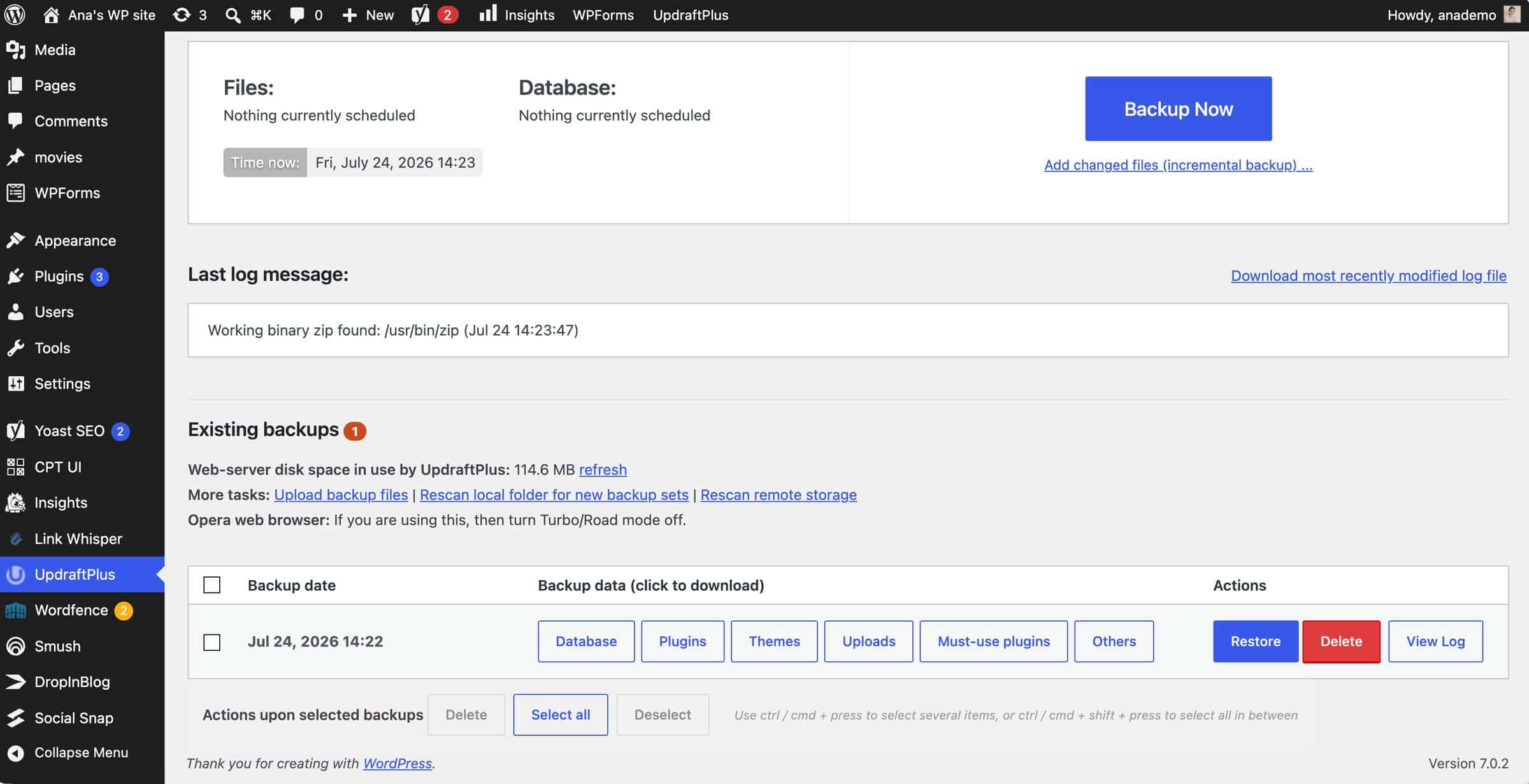
UpdraftPlus is a WordPress backup and migration plugin, and according to the plugin’s official website, it’s currently used on more than three million websites. It works alongside your blog and helps you create manual and automatic backups of your site’s files and databases. The plugin offers versatile choices for where you can store your backups, including Google Drive, FTP, DreamObjects, and its own storage service, UpdraftVault. Installing the plugin is easy, but you’ll need to spend some time reviewing its settings.
Key features:
File and database backups
Automatic backups before updates
Website migration to another host or domain
Database encryption
Centralized backup management for multiple WordPress sites
Pricing: UpdraftPlus has a free plan, while the paid plans include: Personal ($70/year), Business ($95/year), Agency ($145/year), Enterprise ($195/year), and Gold ($399/year).
Pros
Basic backup features available with the free plan
Supports multiple cloud storage services
Lets you select file types you want to back up (plugins, themes)
Compatible with WordPress Multisite network
Cons
Incremental backups only available on premium plans
Can be resource-intensive for large sites
Verdict: We recommend UpdraftPlus for creating automated backups that help protect your blog content. The plugin’s free plan covers the backup essentials, while paid plans are only worth it if you need incremental backups, pre-update protection, or more advanced controls.
5. Wordfence: Best for Securing Your Blog
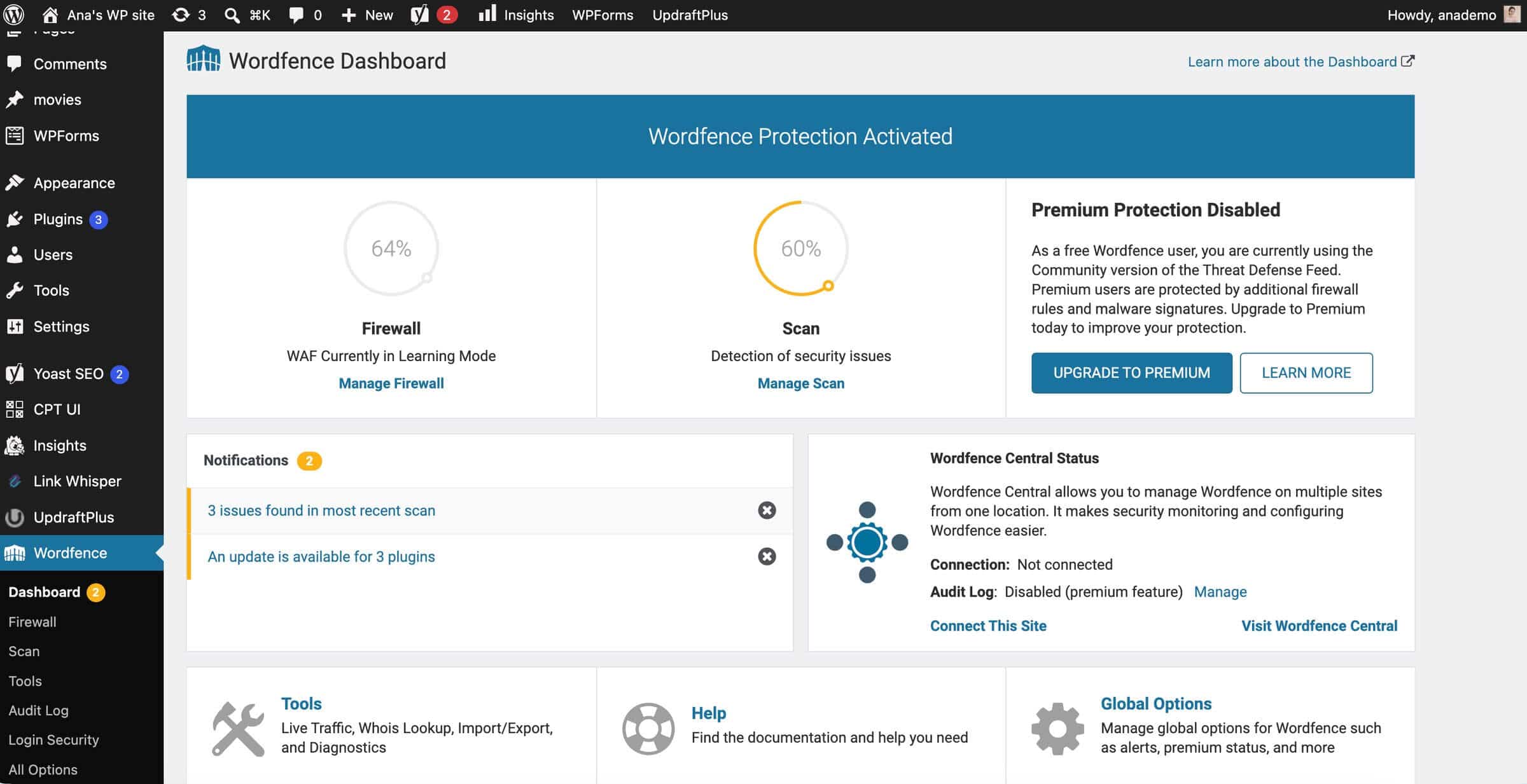
Wordfence is a top-rated WordPress security plugin that’s currently installed on over five million websites. Its purpose is to keep your site safe from malware, hacking attempts, and unauthorized logins. To accomplish this, the plugin offers a firewall, a malware scanner, two-factor authentication, and brute force protection. According to one Redditor, it’s more than good enough for 99% of websites, as over 4,400 5-star reviews further confirm. The installation process is simple, but fine-tuning the plugin settings requires some time and effort.
Key features:
Endpoint web application firewall
Limits login attempts to prevent brute force attacks
Malware scanner checks your site for malware, SEO spam, code injections, etc.
Two-factor authentication support
Pricing: Wordfence has a free plan and three paid plans: Premium ($149/year), Care ($590/year), and Response ($1,250/year).
Pros
Free plan includes the features for basic site protection
Paying users get firewall rules and malware signatures in real time
Users can monitor multiple websites from one dashboard
A trusted plugin with over 5 million installs
Cons
Firewall configuration may require technical knowledge
The real-time IP blocklist and country blocking is only available on paid plans
A large number of settings create a somewhat steep learning curve
Verdict: The free plan provides enough protection for most blogs, making the premium plans unnecessary for the average user.
6. WPForms: Best for Email Capture and Adding Forms to Your Blog
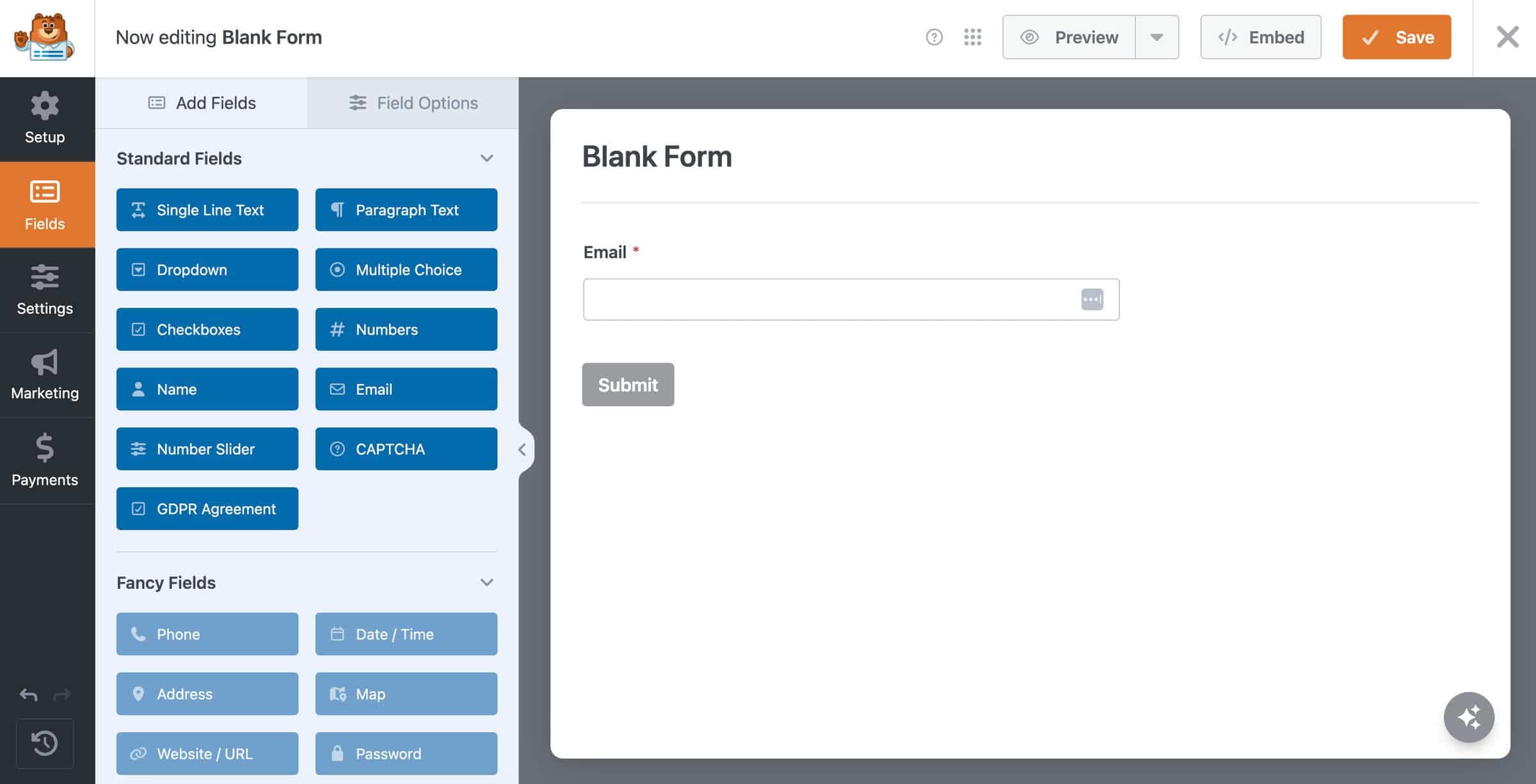
WordPress blogs need a way to capture emails and grow their subscriber lists, and WPForms is one of the best plugins for that. It has over five million installations and an impressive 4.8-star rating. So far, the plugin has been downloaded over 305 million times, and it’s the eighth most popular plugin in the WordPress plugin directory.
One of its main advantages is that it’s easy to use. You can use an intuitive form builder, start with one of 2,100 form templates, or ask AI to create a form for your blog. Whichever method you choose, you can create forms in minutes.
Key features:
Drag-and-drop form builder
Supports conditional logic
Has an extensive form template library
Integrates with CRM and marketing tools
Allows you to collect payments
Pricing: In addition to the free plan, WPForms offers four pricing plans. The prices range from $99/year to $599/year.
Pros
Doesn’t require technical knowledge
Spam protection features built-in
Supports various form types (registration, lead capture)
Offers design customizations through pre-set themes
Cons
Limited customization options
Limited marketing integrations on the free plan
Lower-tier plans have a fee for payment collection
Verdict: Yes to the free version, but no to the paid plans for most bloggers. The upgrade is difficult to justify unless forms directly generate leads or revenue.
7. Smush: Best for Optimizing Your Blog’s Images
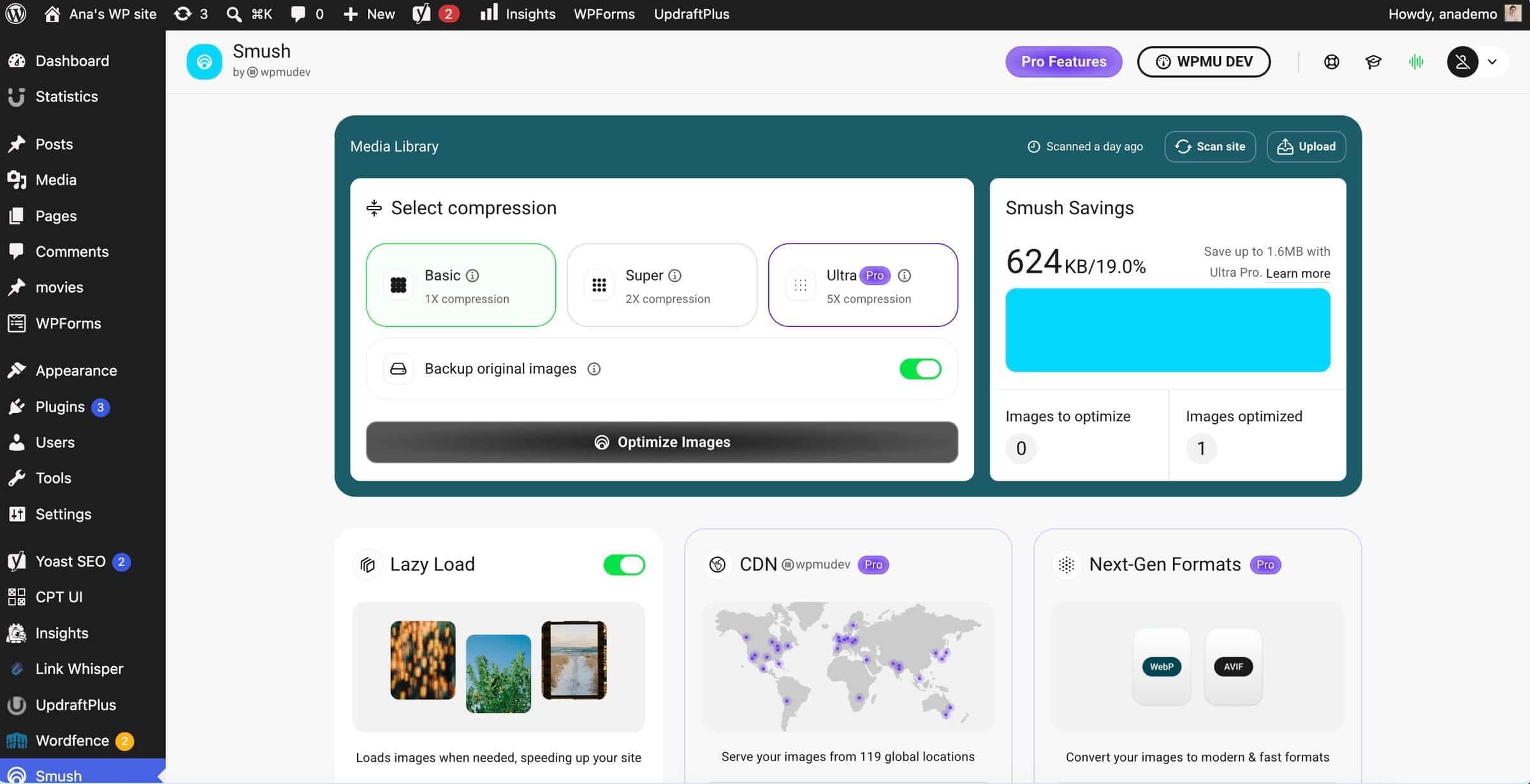
Blog posts that have images get 94% more views than those that don’t. Since images can slow down your blog, you need a way to reduce their size. Smush is a WordPress blog plugin that does that. It helps you improve your blog’s performance by compressing and optimizing your images. It’s used on over a million websites, and its 4.8-star rating suggests users are happy with it.
It automatically reduces the size of your images using lossless and lossy compression, lets you serve images from an image CDN, and converts them into fast-loading formats, like WebP and AVIF.
Key features:
Automatic image compression and optimization
Supports bulk actions
Offers automatic image resizing
Lazy loading support
WebP and AVIF conversion
Pricing: Smush offers four pricing plans, including Basic ($5/month), Standard ($10/month), Plus ($20/month), and Unlimited ($200/month).
Pros
Easy to configure
Lets you adjust optimization settings for future uploads
Can improve page speed and bandwidth usage
A trusted plugin with a large user base
Cons
The strongest compression requires a paid plan
The CDN has a bandwidth limit
Original images aren’t deleted, which can increase hosting storage
Verdict: The free version is worth installing, but we’d recommend only paying for it if images make up a large part of the blog and noticeably affect its speed.
8. Akismet: Best for Blocking Spam
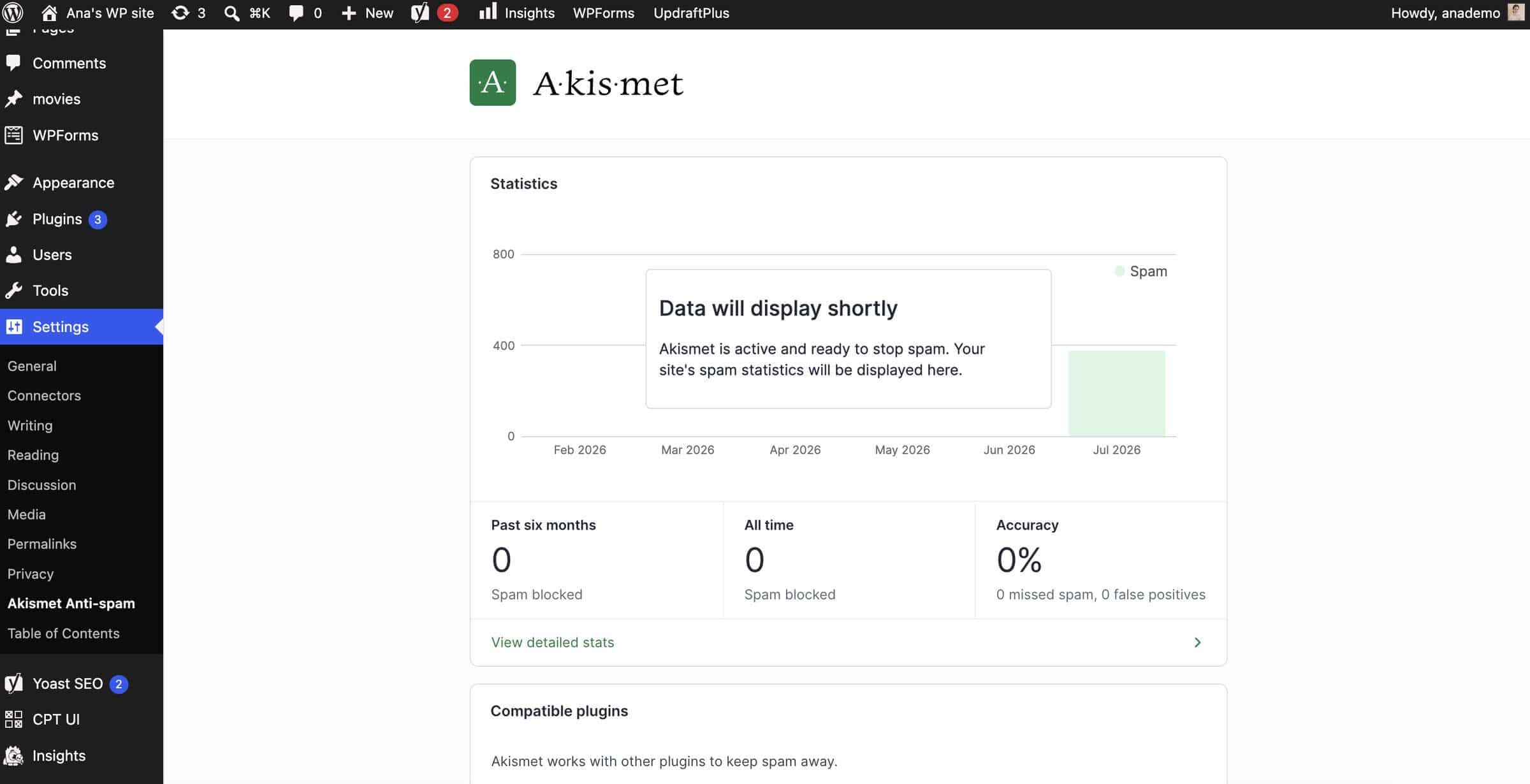
Akismet is one of the best-known WordPress plugins, created by the co-founder of WordPress, Matt Mullenweg, in 2005. It's one of the two plugins included in WordPress installations by default. Akismet, the anti-spam plugin, has a high spam detection rate of 99.99%, and so far, it has protected over 100 million websites from spam. The plugin detects spam in text users submit, whether these are comments, form submissions, or forum bots.
Key features:
Uses machine learning to detect spam
Detects hidden links
Comment status history available
Pricing: Akismet is free for personal use, but it also has a premium version for commercial use: Pro ($9.95/month) and Business ($49.95/month).
Pros
Easy to get started
Saves hours of manual work
Integrates with form plugins
Personal license never expires
Cons
Occasionally flags legitimate comments as spam
One of the two paid plans has a spam-check limit
Verdict: Akismet’s paid subscription is worth it for an active business blog because the time it saves on spam moderation can quickly outweigh the cost.
9. Social Snap: Best for Adding Social Sharing Buttons to Blog Posts
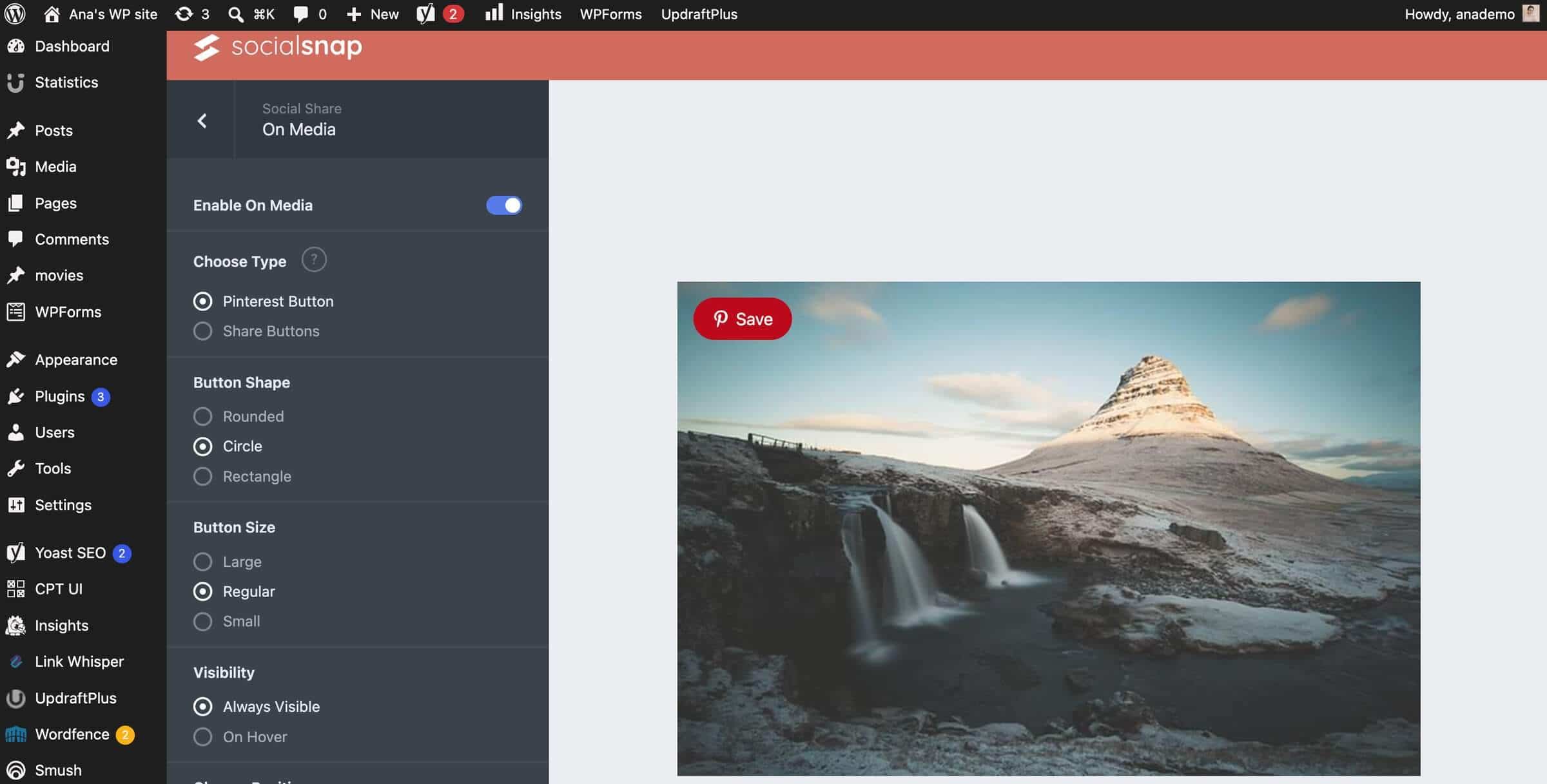
Using social share and follow buttons, you can easily get your content in front of a social media audience, which currently counts around 5.8 billion users. Social Snap is a WordPress blog plugin that makes that easy. It supports over 30 social networks and apps, and lets you customize the design and positioning of share and follow buttons. The plugin also includes comprehensive analytics that allow you to track your content’s likes, shares, and views.
Key features:
Social sharing buttons for 30+ social media networks and apps
Social share counter
Social meta tags
Sharing statistics
Pricing: In addition to its free plan, Social Snap offers three pricing plans: Plus ($39/year), Agency ($99/year), and Pro ($299/year).
Pros
Easy to set up
Buttons can be customized without coding
Different share button formats supported
Free plan covers the basics
Cons
No free trial on paid plans
Advanced features require a paid plan
Customer support could be improved
Verdict: The free version is fine for basic sharing buttons, but the paid features are unlikely to deliver enough additional traffic to justify the upgrade.
10. Burst Statistics: Best for Blog Analytics
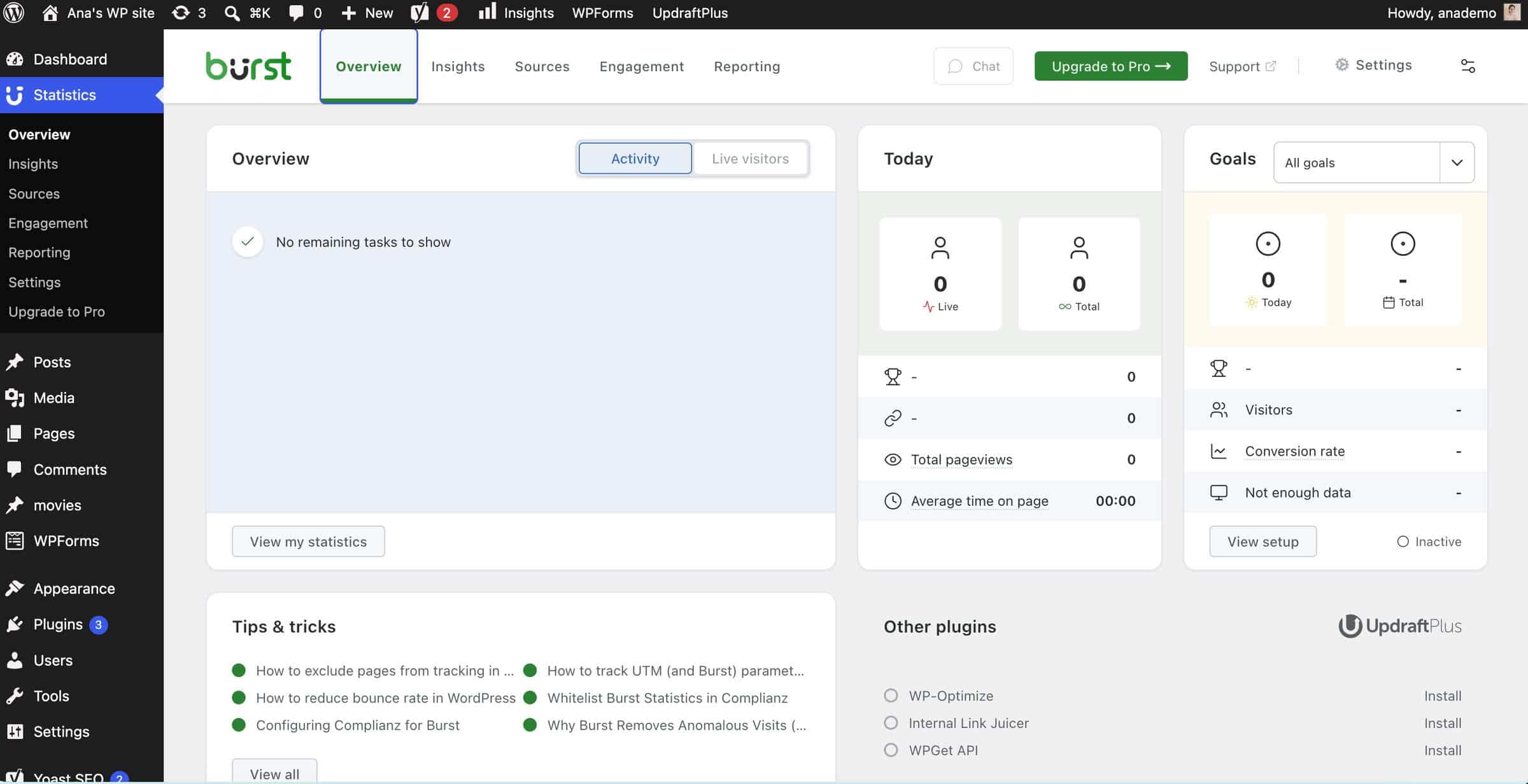
Burst Statistics is an analytics plugin for WordPress blogs. Over 200,000 sites use it, and one of its main advantages is how easy it is to use. It allows you to track your content’s performance by analyzing metrics like pageviews and session duration. The plugin also lets you track conversion rates by using pre-set metrics or adding custom ones.
Key features:
Displays live visitor data
Tracks pageviews and average time on site
Offers geographic and referral source data
Supports cookieless tracking
Pricing: Burst Statistics offers a free plan, in addition to the three paid ones: Creator ($49/year), Business ($99/year), and Agency ($199/year).
Pros
Easy to set up and use
Decent free plan
Has an in-dashboard AI chat
Can be used outside WordPress
Cons
Automated reporting only available on the top-tier plan
Data stored locally, which increases database size
Verdict: The free plan gives most bloggers all the essential traffic data they need, so paying for a premium plan isn’t necessary unless advanced reporting is a must-have.
11. Link Whisper: Best for Building an Internal Link Strategy
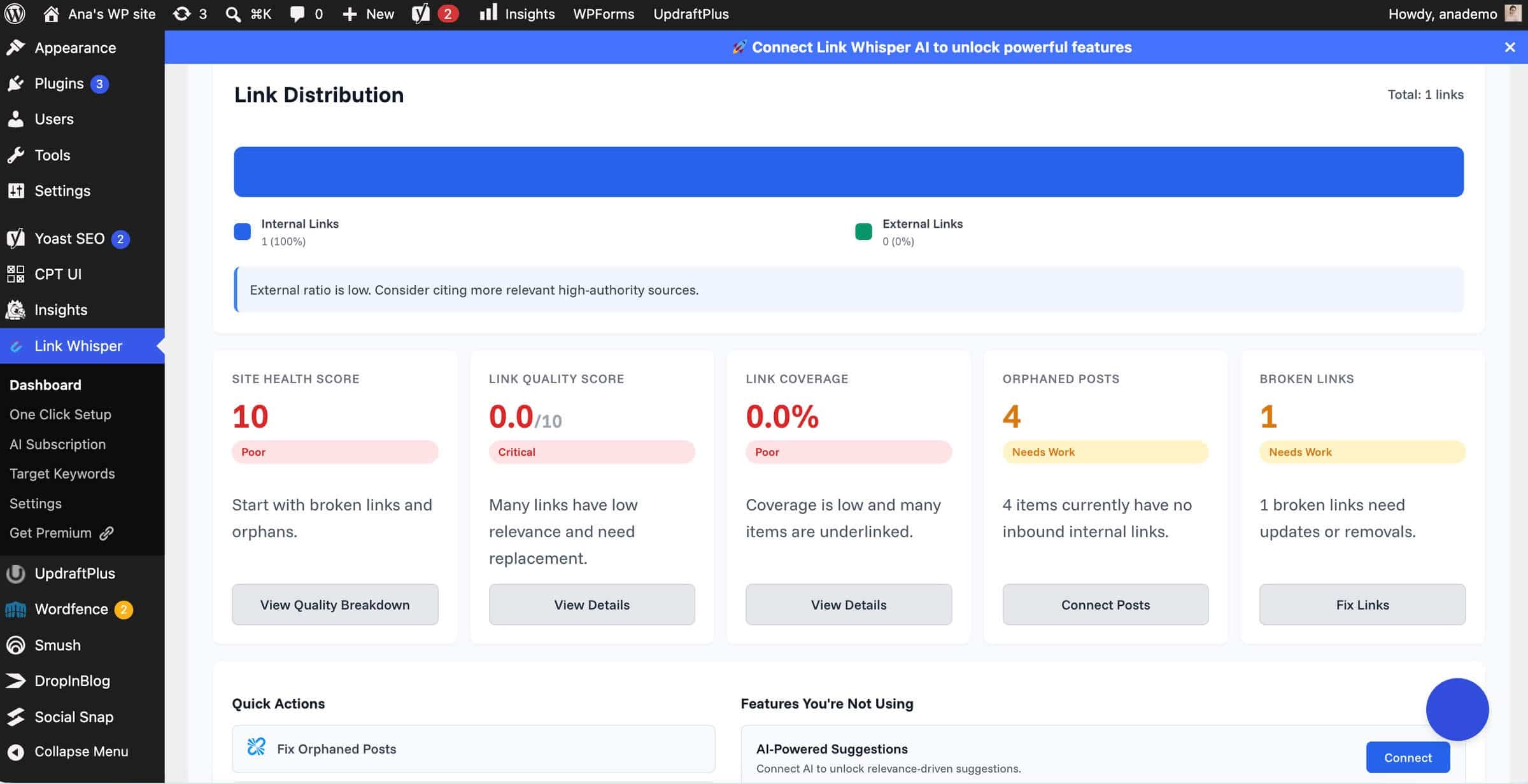
If search bots can’t find a page easily, they’re likely to exclude it from search engines. Pages without internal links, or orphaned pages, are not easy to find, and according to Link Whisper, 73% of WordPress sites have more than 10 of these pages.
To help you avoid issues with orphaned pages, Link Whisper lets you add internal links easily by scanning your content and offering suggestions on where to add them. The plugin gives you an overview of all internal links and lets you apply link suggestions with a click and in bulk.
Key features:
Internal link suggestion tool
Apply changes and fixes in one click
Broken link checker
Easy link updates after URL changes
Pricing: Link Whisper has a free plan. However, to get the most out of your internal linking strategy, you’ll need one of the paid plans: Starter ($97/year for 1 site), Growth ($197/year for 3 sites), Pro ($297/year for 10 sites), or Agency ($497/year for 50 sites).
Pros
Saves time and eliminates manual work
Uses AI to offer contextually relevant anchor text ideas
Works well for content-heavy sites with thousands of blog posts
Cons
Limited free version
No external link suggestions
Verdict: We recommend the paid plans for large blogs, but not for small ones. The paid version is worth the time savings when you have hundreds of posts, but not when you can manage internal linking manually.
12. Easy Table of Contents: Best for Adding a ToC to Your Blog Posts
Data shows that 80% of readers scan content. Offering an overview of your content’s key talking points inside a table of contents is an effective way to accommodate their reading patterns and habits. Since WordPress doesn’t offer an easy way to create a ToC, you need a plugin for that.
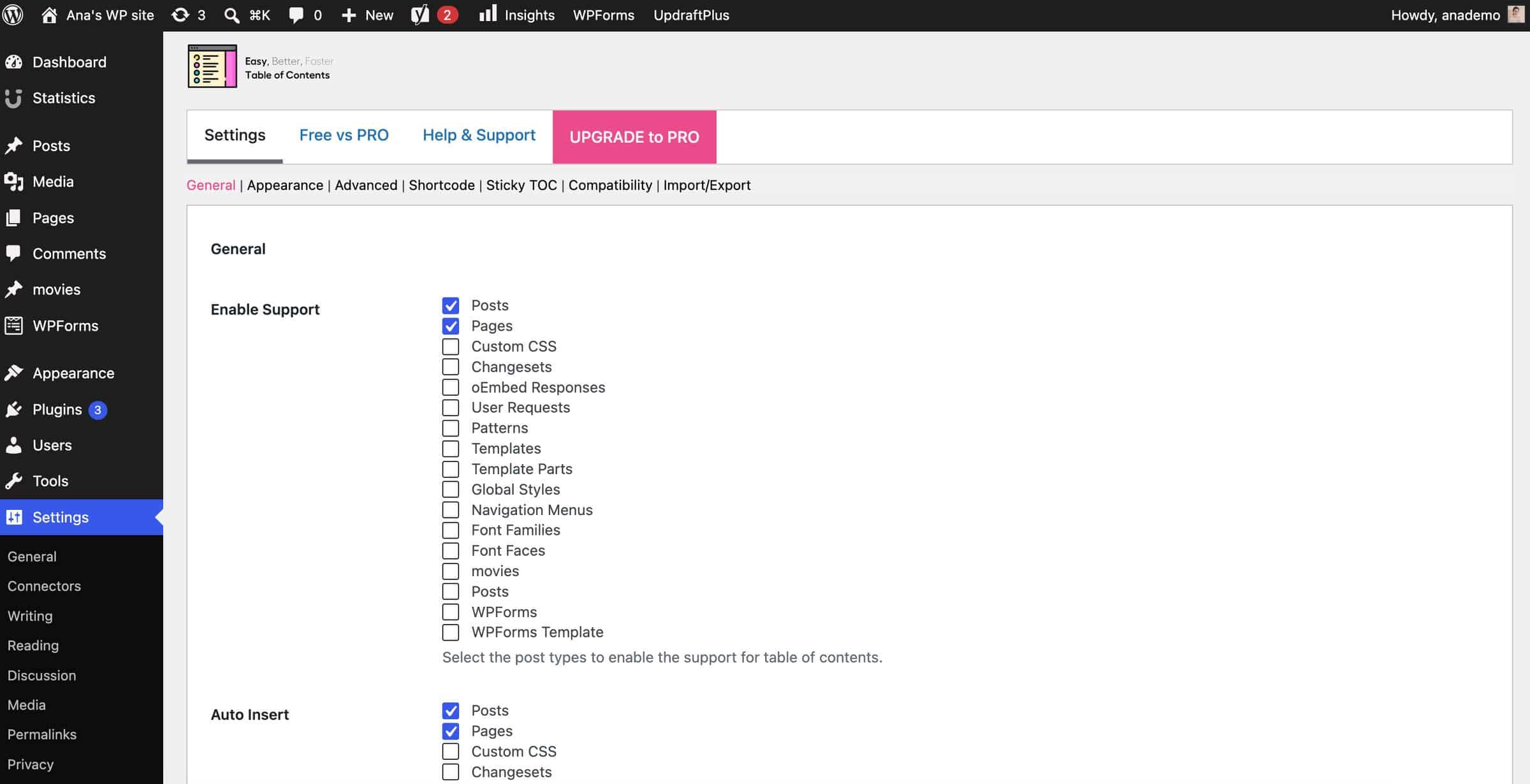
Easy Table of Contents is a user-friendly plugin that automatically generates a ToC from your post’s headings. You can customize the design of your ToC, decide where in the content to place it, and otherwise adjust the default settings.
Key features:
Automatic table of contents
Per-post settings
Works with posts, pages, and custom post types
Easy-to-implement design customizations
Pricing: Apart from the free version, Easy Table of Contents has five pricing plans, ranging from $49/year to $199/year. You can also purchase a lifetime plan with a one-off fee of $499.
Pros
Easy to use and set up
Generous free version
Works with the classic editor, Gutenberg, Divi, and other page builders
Regularly updated
Cons
A large number of settings can be overwhelming
Advanced sticky sidebar setup may require developer help
Verdict: Yes to the free version, but no to the paid one. The plugin already performs its main job well on the free tier.
How Many Plugins Does a Blog Actually Need?
There’s no exact number of plugins a blog needs, although some resources suggest that you shouldn’t go over 20 plugins, and anything above that is usually considered too many. However, the numbers aren’t that important if your blog uses poorly coded plugins that are rarely updated or incompatible with your WordPress site.
With that in mind, you shouldn’t worry all that much about the exact number of blog plugins you have. Instead, make sure your blog relies on well-maintained plugins and, when possible, review the plugins already installed on your site. If there are any you don’t use, uninstall them.
FAQs
What is the best blog plugin for WordPress?
The best WordPress plugin depends on its purpose: use Yoast to manage your blog’s SEO, DropInBlog to create blog content, Wordfence to keep your blog secure, and WP Rocket to improve its performance.
Are free WordPress blog plugins enough?
In some cases, yes. However, you should select a WordPress blog plugin, free or paid, based on whether it helps you manage your blog more efficiently. In many cases, you’ll find free WordPress plugins serve their purpose just fine, but that shouldn’t stop you from choosing a premium plugin if the free one doesn’t meet your requirements.
Do plugins slow down a WordPress blog?
Plugins can slow down your WordPress blog, but in most cases, it's because the plugins you installed are poorly coded or incompatible with other plugins you already use.
Can I run two blogs on one WordPress site?
Yes, you can run two blogs on one WordPress site. For that, it’s best to use a professional blogging plugin like DropInBlog alongside WordPress.
Do I need an SEO plugin if I use DropInBlog?
You don’t necessarily need an SEO plugin if you use DropInBlog. The blogging platform has its own SEO analysis tool that helps you easily optimize your blog posts for search engines.
Choose the Best WordPress Blog Plugins Wisely
We’ve rounded up 12 of the best WordPress blog plugins, but you don’t need to install them all at once. Start with the essentials: DropInBlog for SEO-friendly blog content, Wordfence for security, WP Rocket for speed, and Akismet for spam protection. Then, you can gradually add other plugins and see which ones make blogging easier and more efficient.
DropInBlog helps you minimize the number of plugins you use on your WordPress blog. It can replace several plugins, including SEO, image optimization, social sharing, and table of contents. Try DropInBlog today!