
Table of Contents
We’ve read a lot of guides promising to help you find the best CMS for blogging, and we've discovered that the “best” part is often treated as a universal concept. However, what’s best for a freelance blogger and what’s best for a large company with a team of developers and marketers aren’t the same. That’s why WordPress, which tops the lists of nearly every guide we’ve read, isn’t the best CMS for blogging – at least not for everyone.
So, we’ve created a different guide. A guide that tells you which CMS is a good fit for your blog based on your publishing habits, your experience with CMSes, and the features you need. Here, you’ll find 11 reviews of blogging CMS platforms that could be best for you, a comparison table that clearly lists the strengths and weaknesses of these platforms, and a “choose if” section to help you narrow down your choices.
TL;DR
The best CMS for blogging in 2026 depends on what you already have. WordPress is the default for self-hosted control, Ghost is built for paid newsletters, and DropInBlog is the answer when you already have a website and just want to add a real blog without rebuilding.
What a CMS for Blogging Actually Is (And What to Ignore)
The term “best blog CMS” is a bit ambiguous because many sources use “blog” and “CMS” interchangeably. The issue is that a blogging platform and a CMS are two different things. And the reason people confuse one with the other is that they aren’t that different, since you can use both to start a blog.
The difference is in what you can’t do with a blogging platform, which is to create anything other than blog posts. With a CMS, you can create About Us, Contact, and product pages for your site, and on top of that, you can create blog posts. So, if you want to create a full website with a blog, you should use a CMS. If you already have a website and just need a blog, a blogging platform will suffice.
Another ambiguous term, “CMS for blogging,” comes up when people describe what they use their CMS for, but in reality they are just talking about traditional CMSes like WordPress and Drupal.
To bypass all this confusing terminology, we’ve divided blogging CMSes into three categories: traditional, headless, and embeddable CMSes.
Traditional (WordPress, Drupal): You build a website and manage your content in one place.
Headless (Contentful, Strapi): You manage your content in one place, and build and design your site in another.
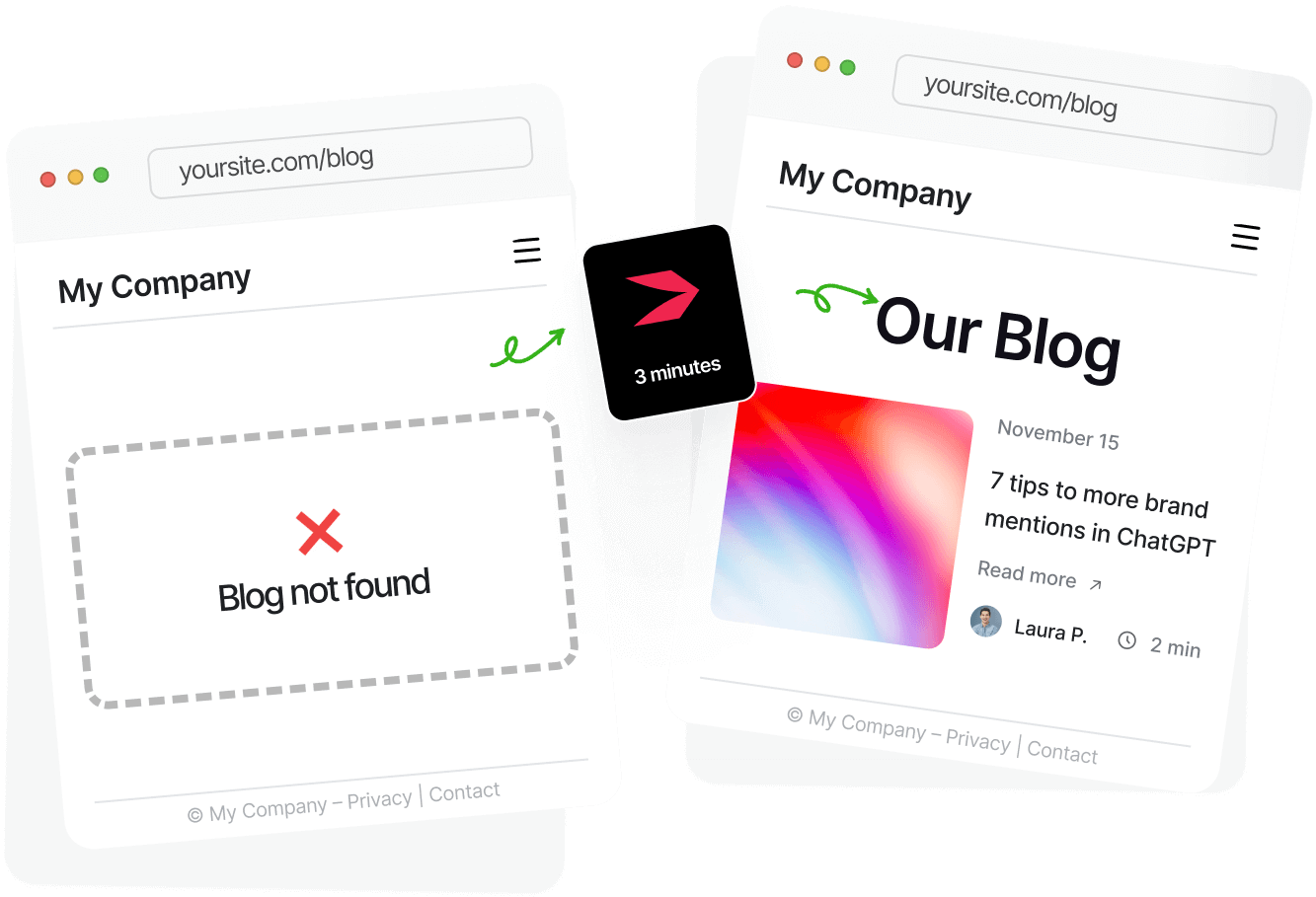
Embeddable (Bloggle, DropInBlog): You manage your content in one place, and add it to your existing website.
How to Choose the Best CMS for Blogging
Once you decide which type of CMS is best suited for your blog, you should look into the features it offers. Here’s what to look for.
Ease of Use
Finding a platform with a simple interface seems like the obvious choice, but you shouldn’t focus too much on how intuitive the platform is for the average user. Instead, think about who will manage your content: a team of developers or non-technical users. Make sure the content management interface of the selected platform aligns with their technical background.
Traditional and headless CMS platforms are often geared toward users with some technical knowledge, while embeddable ones focus more on beginners and non-technical users.
SEO Features
Writing high-quality content that’s helpful to your readers is the first step. The second one is to help search engines find that content more easily. For that second step, you need a blogging CMS that lets you set custom SEO title tags and meta descriptions, manage redirects, and build sitemaps. The more SEO features you get out of the box, the better.
Traditional CMSes often offer a decent range of SEO features and let you add more advanced ones via their plugin ecosystem. Headless CMSes offer advanced SEO features but are developer-dependent, whereas embeddable CMSes often provide advanced, blog-specific SEO features without developer work or plugins.
Where the Blog Lives
Before you choose a CMS blogging platform, check whether your blog will live on a subdomain or a subdirectory. While some platforms let you choose where your blog will live, others don’t. If your blog and your site are one entity and you want to use blogging to improve your site’s SEO, check if the platform of your choice lets you host your blog in a subdirectory.
Traditional and embeddable CMS platforms commonly let you install your blog in a subdirectory, while with a headless CMS setup, that choice often falls onto your developers.
Customization and Design
The level of customization and design options control how your blog looks and works. Like other criteria, these depend on the CMS you choose.
Traditional CMSes let you choose and customize a pre-built theme, and for greater flexibility, also provide you with additional design options through theme code. Headless CMSes give you complete design freedom, but they also require technical setup and ongoing development involvement. Embeddable CMS platforms are somewhere in between: they are usually designed to automatically match your existing design and reduce the technical overhead of getting a cohesive look across all your site’s pages.
Monetization and Memberships
If you want your blog to become a revenue stream by monetizing it, check whether your blog CMS supports features like memberships, newsletter subscriptions, and tiered pricing.
Most CMSes don’t have these features built-in, meaning you have to add them to your blog via plugins or third-party app integrations. There are exceptions, though. Ghost and Substack are the two best-known CMSes that natively support monetization and membership management. If these features are essential to your blog, consider using one of these two platforms.
Total Cost
When evaluating the best CMSes for blogging, consider the cost of your favorite ones. While traditional CMS platforms are often presented as free, they aren’t free. You should count all the expenses that go into managing your content in a CMS like WordPress, including hosting, plugins, premium themes, and developer time.
A typical headless CMS for blogging, provided it’s not open-source, has a clearer pricing structure, starting at $10–20/month. But if you need an enterprise-grade blogging platform with more advanced features and have a large team, the cost of these platforms can easily increase to hundreds of dollars per month.
Embeddable CMSes, on the other hand, have predictable pricing that comes with a fixed monthly fee. In the short run, they seem more expensive, but in the long run, they minimize or often eliminate developer work, often putting their price tag below that of traditional and headless CMS platforms.
Best CMS for Blogging: Quick Comparison
Before we dive into individual platform reviews and explore what each offers, take a look at the table below for a glimpse into their essential characteristics.
| Platform | Type of CMS | Best for | Ease of use | SEO features | Pricing | Self-hosted |
|---|---|---|---|---|---|---|
| WordPress | Traditional | Flexible, plugin-powered blogs | ★★★☆☆ | Excellent (with plugins) | Hosting cost | Yes |
| Ghost | Traditional | Newsletters, paid subscriptions | ★★★★☆ | Good | From $18/month | Yes |
| Webflow | Traditional | Blogs that rely on visual storytelling | ★★★☆☆ | Good | From $25/month | No |
| HubSpot CMS | Traditional | Marketing teams using CRM and automation | ★★★★☆ | Good | From $10/month | No |
| Wix Blog | Traditional | Beginner-friendly websites and simple blogs | ★★★★★ | Limited | From $17/month | No |
| Squarespace | Traditional | Visual websites and small business blogs | ★★★★★ | Good | From $25/month | No |
| Joomla/Drupal | Traditional | Complex sites, structured content | ★★☆☆☆ | Excellent | Hosting cost | Yes |
| Sanity/Contentful/Strapi | Headless | Custom front ends and developer-led blogs | ★★☆☆☆ | Excellent | Hosting cost | Varies |
| Substack | Traditional (hosted platform) | Solo writers and paid newsletters | ★★★★★ | Limited | Revenue share (10%) | No |
| Medium | Traditional (hosted platform) | Simple blogs with built-in audience | ★★★★★ | Limited | From $5/month | No |
| DropInBlog | Embeddable | Existing sites and SEO-friendly blog content | ★★★★★ | Excellent | See current pricing | No |
Now that you’ve seen a side-by-side comparison, we’ll cover each of our top picks in more detail, starting with traditional platforms, then moving into headless and embeddable options.
WordPress (Self-hosted)
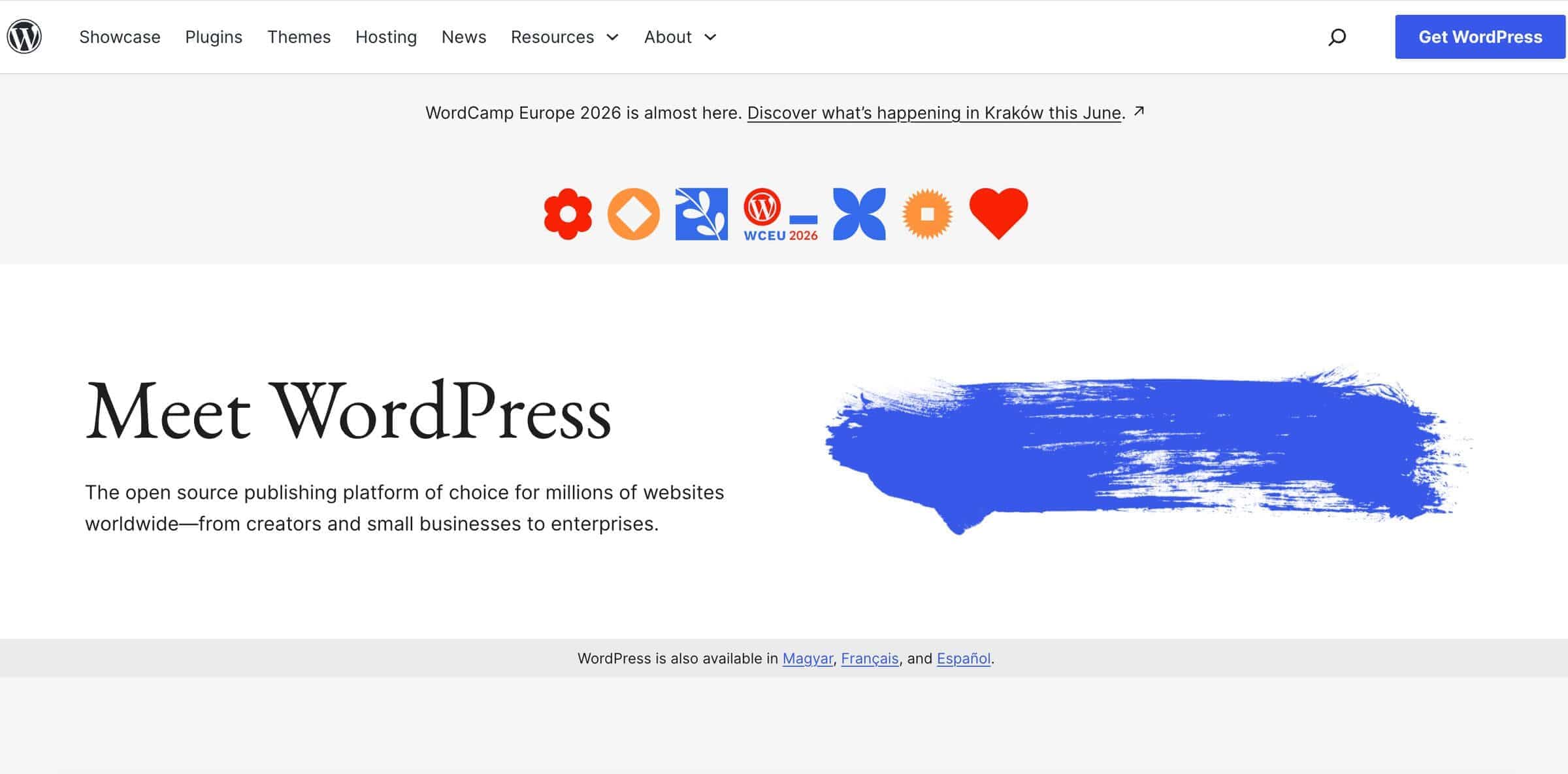
The self-hosted version of WordPress is for tech-savvy users who need a scalable, highly customizable blogging solution.
WordPress powers around 42% of all websites, and it is the most popular CMS worldwide, used by companies such as IBM, Siemens, and Oracle. It’s a traditional CMS that you can use to build your entire website and blog. The self-hosted setup means you control your domain, hosting, database, themes, and plugins. It also requires ongoing maintenance, including software updates and backups, plugin management, and performance optimization. Still, if you have some technical knowledge or developers on your team, you can create a blog with custom features and design.
When it comes to SEO features, WordPress covers the basics, but you can easily access some more advanced features through its plugin ecosystem. The same applies to monetization and membership features – they aren’t supported natively, but you can easily add them to your site through WordPress plugins. And if you build your entire site and a blog in WordPress, you can choose where it lives, a subdomain or a subdirectory.
Best for: Technically skilled users who want to create a website and a blog in one place.
Not for: Non-technical users looking to set up a blog quickly.
Pricing: WordPress is free to use, but it requires a domain, hosting, plugins, and other paid third-party apps and services. The cost ranges from $10–15/month to $1,000+/month.
Standout blogging feature: WordPress has everything you need to start a blog, but if you need more features, you can add them via the software’s plugin ecosystem.
Ghost
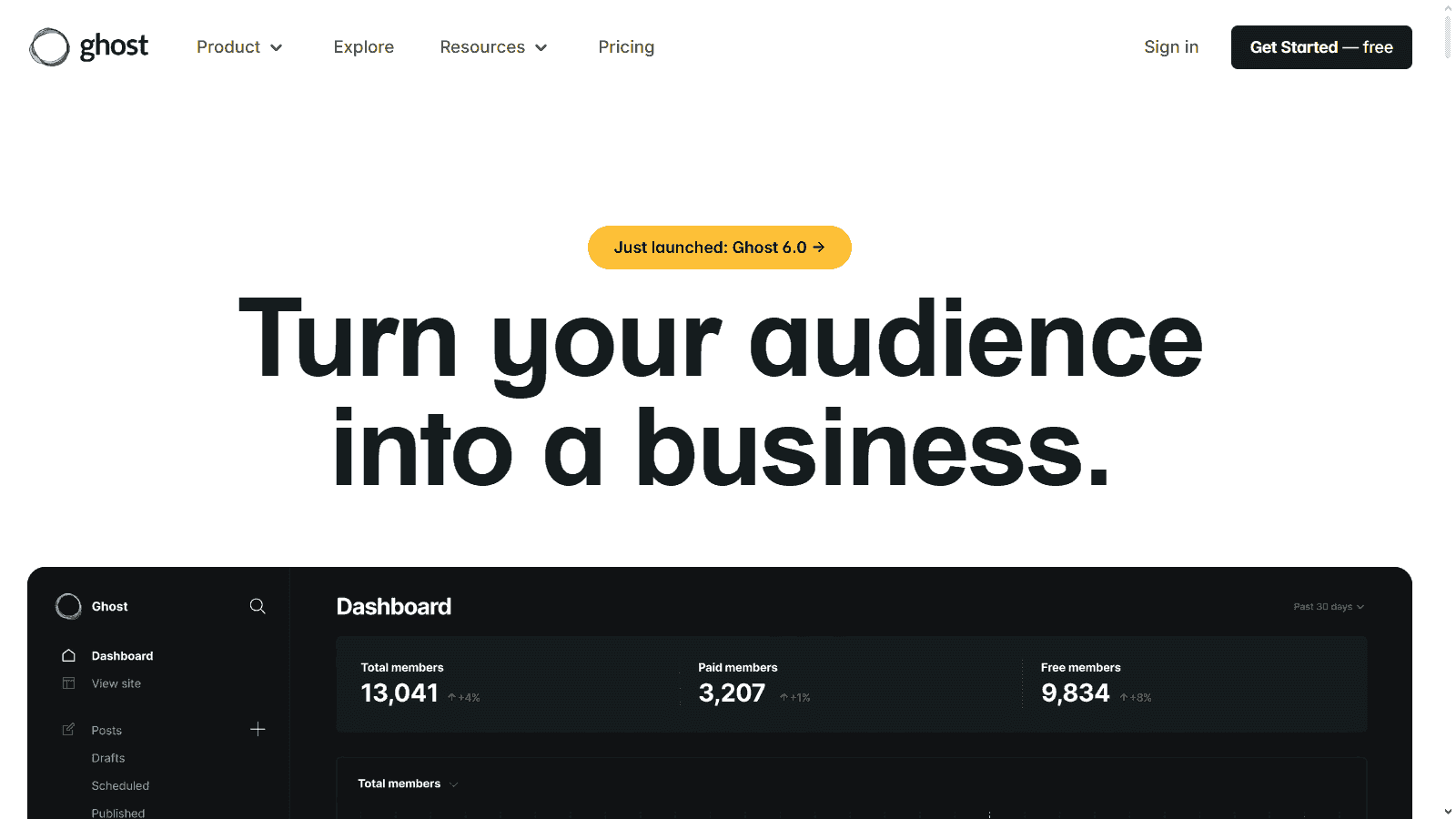
Ghost is for content-oriented sites and businesses with large audiences.
Ghost is another traditional CMS for blogging that focuses on content monetization. It’s widely used by technology and software companies like DuckDuckGo, Mozilla, and Cloudflare. It allows you to turn your blog posts into newsletters and monetize them through paid subscriptions. How much you’ll be able to customize your blog’s design depends on the version you’ll use – hosted or self-hosted. The latter offers design flexibility, but it also requires manual setup and ongoing maintenance. But if your team isn’t comfortable managing servers and security updates, Ghost also has a hosted version for non-technical users.
This CMS blogging platform offers a wide range of SEO features, including custom meta tags, schema support, and redirect management. Ghost-powered blogs can live on a subdomain or subdirectory, but the latter isn’t available on lower-tier plans. And if you want to manage your subscribers and gate your content behind paywalls, Ghost has the necessary features to help you with that – no need to install plugins.
Best for: Users who want to build an audience through paid content.
Not for: Users who need a single platform to build a complex website and a blog.
Pricing: The hosted version, Ghost(Pro), costs between $18/month and $239/month for blogs with up to 1,000 members. As the member count grows, so does the price. It can grow to $479/month or more if you choose the custom plan. You can download the self-hosted version for free, but you’ll have to pay for hosting, domain, and premium themes and plugins.
Standout blogging feature: Ghost reduces your reliance on plugins and third-party apps by offering built-in features for newsletters, members, and subscription management.
Webflow CMS
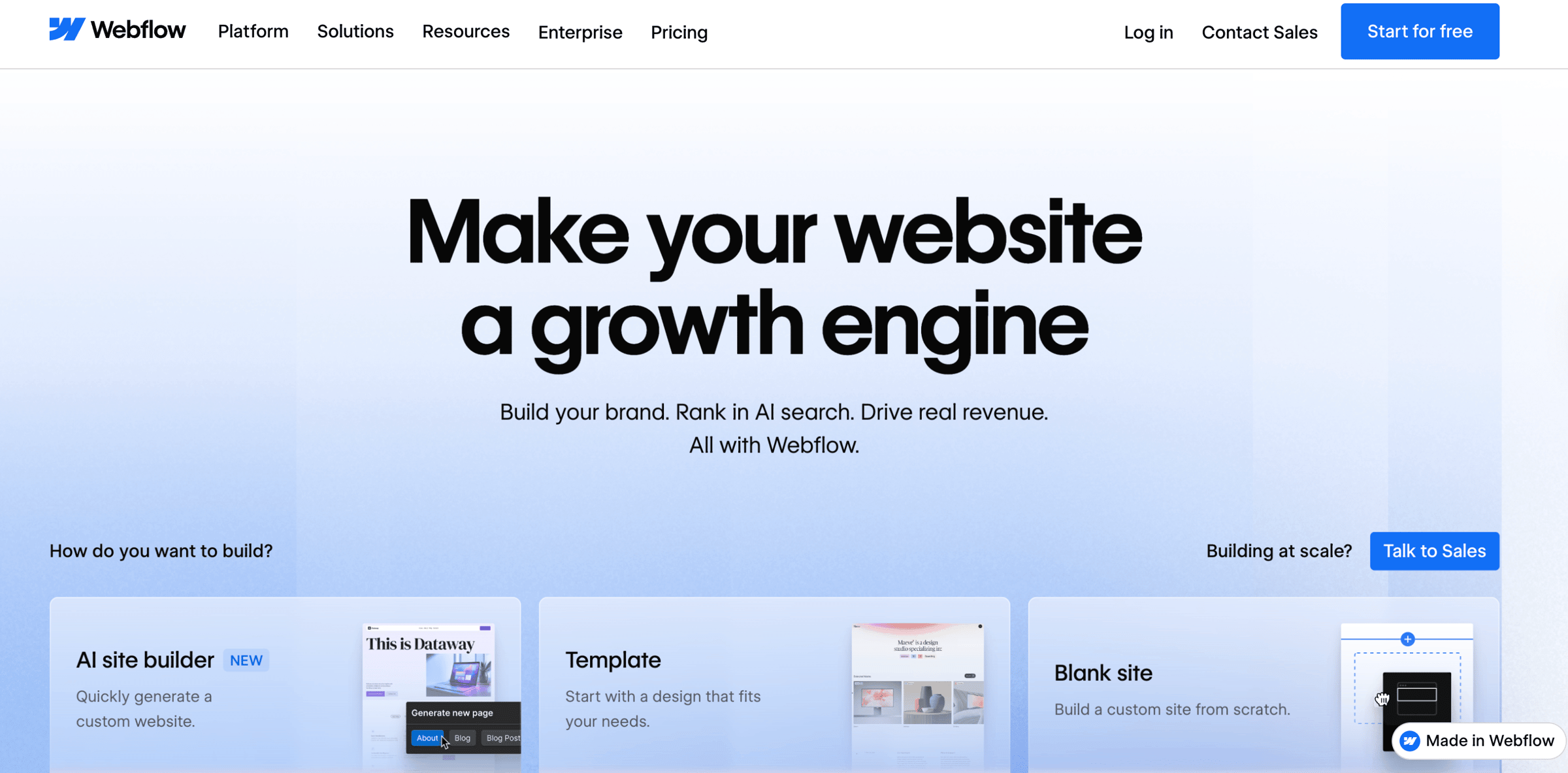
Webflow CMS is for teams who want to create a blog with a custom design without having to code.
Although Webflow has made it to the list of the best CMSes for blogging, it’s primarily a website builder. Its main strength is the no-code visual builder, which lets you create custom designs without developer help. However, it can also be used for blogging through its CMS collections, and companies like Discord and Upwork use it for this purpose. The website setup is simple since Webflow manages your hosting, but the blog setup itself has a slight learning curve.
From an SEO standpoint, Webflow does a good job of helping blog owners optimize their content for search engines. Some of the features it supports include custom meta tags, redirects, and clean, customizable URLs. The blog often lives in a subdirectory, but if you’ve created your site on another platform, you’ll have to go through a somewhat complicated reverse proxy setup to move your blog to a subdirectory. And if you want to monetize your blog through gated content and manage your members, you’ll have to use a third-party tool.
Best for: Blogs that rely on visual storytelling.
Not for: Users who want an easy-to-use blogging platform.
Pricing: Apart from the free plan, Webflow offers three paid plans, priced from $25/month to $2,500/month.
Standout blogging feature: Webflow’s collections use dynamic content. When you update the content in one place, it automatically updates across all of its instances.
HubSpot CMS
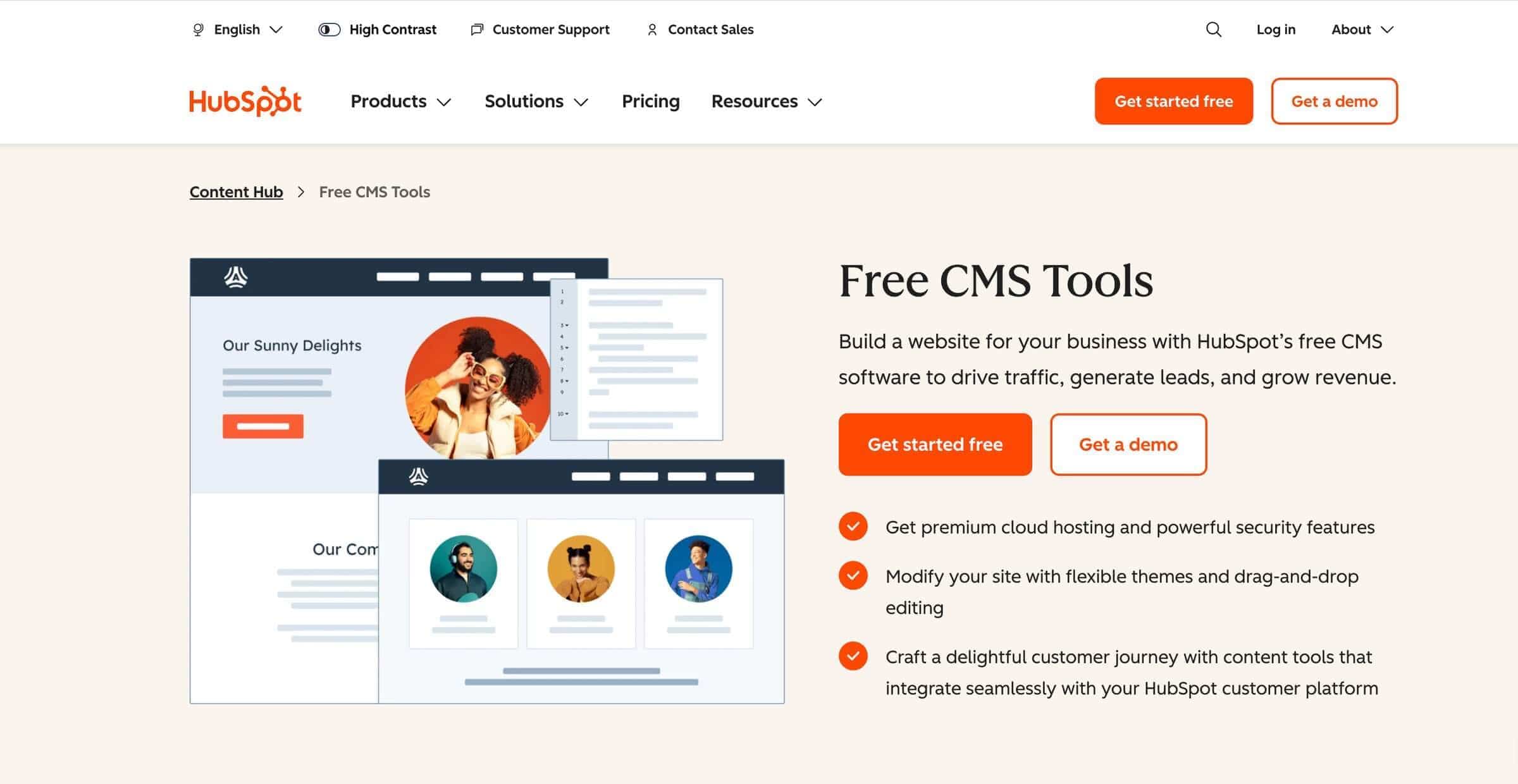
HubSpot CMS is for marketing and sales teams that want a hosted CMS connected to CRM, forms, automation, analytics, and lead generation.
HubSpot is known for its sales and marketing tools, but its product portfolio also includes a free CMS, which is widely used for delivery and logistics, as well as SaaS blogs. You can use the CMS to start a blog, and to do so, you won’t need any technical skills because HubSpot manages hosting, security, and platform infrastructure. You just need an account to access HubSpot’s page builder and blog editor. If you want to customize the design beyond the Styles section in the editor, you’ll need developer help.
The SEO features available in HubSpot’s CMS include metadata control, redirect management, and even recommendations to optimize your content for online searches. Where your blog will live depends on your setup. If your website and blog are both hosted on HubSpot, your blog can live in an SEO-friendly subdirectory, such as example.com/blog. If you created your main site elsewhere, you’ll need to host your blog on a subdomain or purchase HubSpot’s enterprise plan to enable a reverse proxy and have your blog in a subdirectory.
Another advantage of creating a blog on HubSpot is that it supports gated content, and you can use its email builder and payment process to monetize your newsletters. The process of setting up paid newsletters isn’t as intuitive as with Ghost. And you have to be on HubSpot’s higher-tier plans to access these features.
Best for: Non-technical users who need an all-in-one solution for sales and marketing.
Not for: Budget-restricted teams who need a stand-alone blogging CMS.
Pricing: HubSpot’s Content Hub pricing plans include Starter, Professional, and Enterprise, priced at $10, $490, and $1,470/month, respectively.
Standout blogging feature: HubSpot's Post Narration feature transforms your written content into audio.
Wix Blog
Wix is for beginners who need a hosted blogging CMS and access to a large app marketplace to add more features to their blog.
Wix currently powers over 8.8 million websites and has a large user base of around 282 million users. The reason it’s widely used, especially among small businesses, is that it’s easy to use. You don’t have to know anything about code, and you can still create a simple website and a blog that supports categories, comments, and author profiles.
Wix does everything in the background, while you write and design your blog in a user-friendly editor. However, because Wix controls platform infrastructure, you have less control over how your blog works and looks. Design-wise, you can customize your blog’s appearance, but compared to other blogging CMS platforms, like Webflow, you’ll have fewer options.
Next, Wix supports standard SEO features, including custom meta tags, 301 redirects, canonical tags, schema markup, and a built-in setup checklist that walks you through the basics of SEO. You can easily host your blog in a subdirectory if you create everything in Wix, but if your site is hosted elsewhere, you’ll need to use a subdomain setup.
If you want to add more features to your blog, such as the option to create recurring subscriptions and manage your members, you’ll find an app for that in the App Market, featuring over 800 apps. But as you keep adding apps to your account, your blog may load noticeably slower.
Best for: Non-technical users who want to create a simple blog for free.
Not for: Complex, content-heavy sites.
Pricing: Apart from the free plan, Wix has four paid plans, ranging from $17/month to $159/month (billed annually), and a custom-priced Enterprise plan.
Standout blogging feature: The SEO Assistant for blog posts, which gives post-level optimization suggestions for titles, meta descriptions, keywords, indexing, and images.
Squarespace
Squarespace is for non-technical users who prioritize the visual aspect of their blog.
Squarespace is a hosted website builder and a CMS, widely known for its pre-built templates and widespread use among small businesses, restaurants, and media brands like Binging with Babish. You can use it to create a personal or business website, build an online store, or launch your blog. There’s no self-hosted version, so you don’t have to worry about hosting, security, and backups. You only need to create an account to get started.
If you were looking to create an SEO-friendly blog, Squarespace’s SEO features like clean URLs, title tags, meta descriptions, and structured data markup can help you with that. It also has an AI tool that checks your pages' metadata and alt text, and if you create everything on Squarespace, you can choose whether you’ll host your blog on a subdomain or in a subdirectory.
You can also monetize your content and start a paid newsletter on Squarespace using its built-in features – Member Areas and Email Campaigns. And if you want to modify the look of your blog, you can use the styling options available in the editor or, if you have some CSS knowledge, restyle nearly any part of your blog.
Best for: Non-technical users who need a visually appealing site and blog without too much effort.
Not for: Users who need full technical control and complex publishing workflows.
Pricing: Squarespace has no free plan, but has a 14-day trial. Its four paid plans range from $25/month to $139/month.
Standout feature for blogging: A built-in workflow that helps you turn a blog post into a newsletter.
Joomla/Drupal

Joomla and Drupal are both open-source traditional CMSes that can be used to build and manage a full website. They are similar to WordPress in the sense that they are self-hosted, which means that you’re in charge of installing the CMS and managing technical aspects of your site and blog, including hosting, security, and updates. And like any self-hosted platform, Joomla and Drupal are highly customizable, but Drupal has a somewhat steeper learning curve than Joomla.
In terms of SEO, Joomla covers the basics, like clean URLs, custom meta tags, and multilingual SEO, but lets you access more advanced features through its plugins. Drupal, on the other hand, has more advanced SEO features already built in. It also gives you more technical SEO control through modules and custom configuration. With either of these platforms, the choice of where your blog lives is entirely up to you and depends on how you or your development team decide to set it up.
A wide selection of modules and extensions that Joomla and Drupal support allows you to extend the functionality of your site and blog. That means you can use your blog for paid publishing, too, through membership, payment, and subscription add-ons regardless of whether you use Joomla or Drupal as your blogging CMS. Still, you should keep in mind that Drupal’s modules are more developer-oriented and support more complex functionality, which is why it’s mostly used by large organizations and enterprises, like UNICEF and Tesla.
Best for: Developer-led teams that need a highly scalable, customizable blog.
Not for: Non-technical users who need a simple blogging CMS.
Pricing: Joomla and Drupal are free to use, but they require a domain, hosting, plugins, and other paid third-party apps and services. The cost ranges from $10–$15/month to $1,000+/month. Drupal is often more expensive than Joomla because it requires more technical setup and development, and it’s typically used for complex sites.
Standout blogging feature: Advanced access control.
Sanity/Contentful/Strapi
Sanity, Contentful, and Strapi are for teams that want a flexible, API-first CMS and have developers to build and manage the front end separately.
Sanity, Contentful, and Strapi are headless CMSes. Some of them have a self-hosted option, while some are cloud-based. What they all have in common is how they work: they store and manage content in one place, then deliver it through APIs to a separately built website, app, or front end. They offer strong flexibility, but usually require developer support.
These CMSes all support advanced SEO through custom fields, structured content models, and front-end implementation. They can manage metadata, slugs, canonical URLs, schema, and sitemap data, but developers must build the site so that this SEO data is output correctly. Where the blog lives depends on the technical setup, but it’s possible to host it on a subdomain and in a subdirectory.
In terms of customization, a headless CMS is quite flexible because the front end is built separately. You can fully control the design and user experience, but most customizations require developers. And if you want to create memberships and newsletters, and add other apps, you’ll usually need third-party tools or custom integrations.
Best for: Blogs managed by developers.
Not for: Non-technical users who want a simple blog.
Pricing: Depends on the headless CMS you choose. Most often, you get a free-to-use CMS that comes with hosting and developer time costs, but it can also have a fixed monthly fee.
Standout blogging feature: Custom content models that let you structure blog posts exactly how you want, using fields for authors, categories, related posts, content blocks, and reusable sections.
Substack
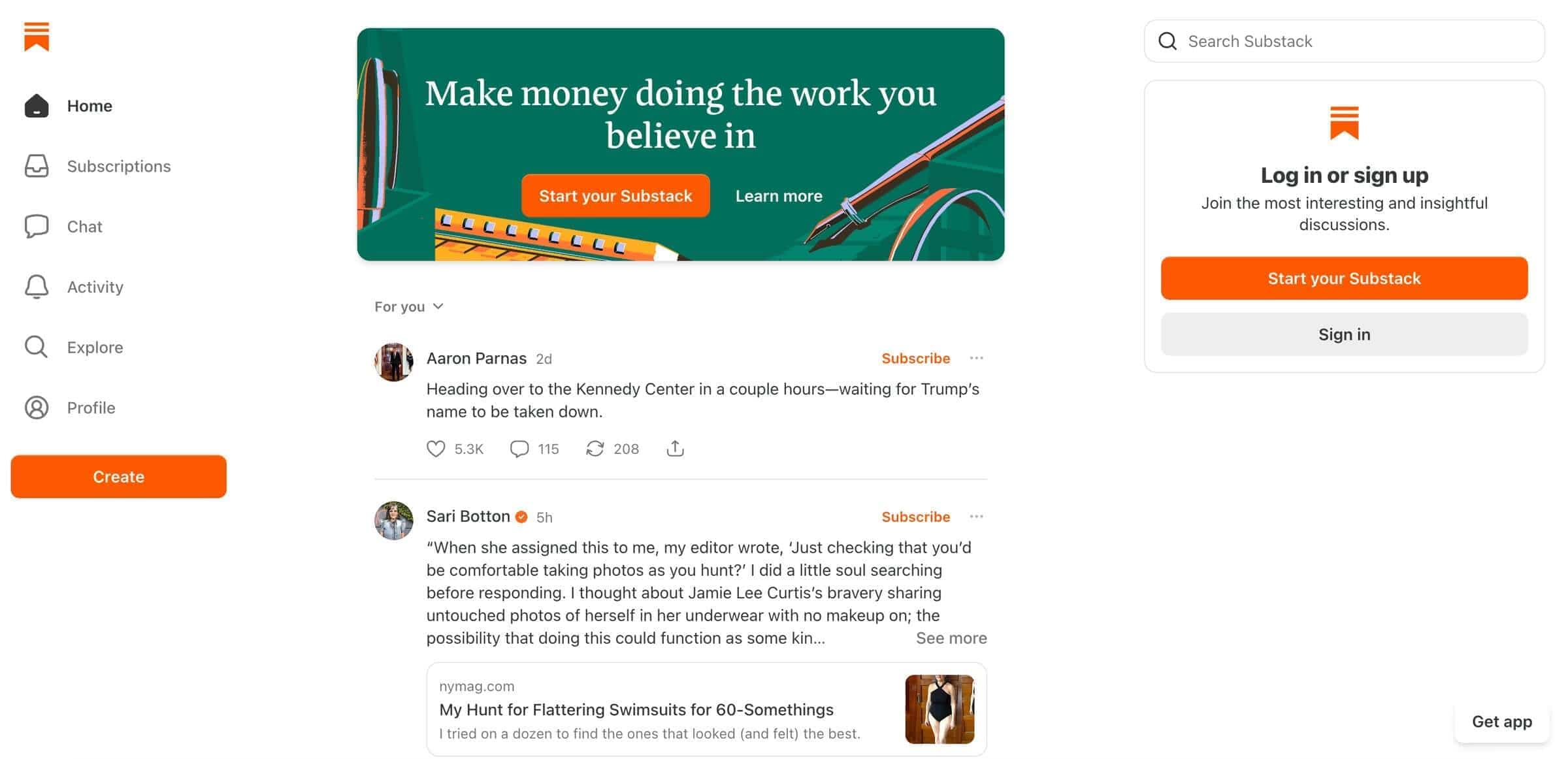
Substack is for solo writers who want to publish, grow an email audience, and monetize through paid subscriptions without technical setup.
Substack is a hosted publishing platform for writers and creators who want to monetize their content. Although its CMS market share is below 0.1%, it has over 5 million paid subscribers and over 100,000 users. It’s not a traditional blog CMS, but you can use it to create a simple website and a blog. For that, you only need to create an account, while Substack handles the technical aspects of managing your site.
The platform’s SEO features are basic, and your blog lives on a subdomain. Then again, Substack’s core strength isn’t technical SEO but subscription-based pricing and member management. It also makes creating blog posts easy with its user-friendly editor and offers advanced blogging features such as structured recipe cards and reusable content blocks.
Unlike WordPress, with its vast plugin ecosystem, Substack is a closed system that lets you connect your account to YouTube, LinkedIn, and analytics tools. You can’t add more features or apps to your blog because Substack doesn’t offer native integrations and doesn’t work with tools like Zapier.
Another possible limitation is its intentionally simple design. You can adjust basic branding like logo, colors, and layout options, but you can’t deeply customize templates, page layouts, or front-end design.
Best for: Monetizing blog content through paid memberships.
Not for: Complex websites and blogs that need a custom design.
Pricing: Substack takes a 10% fee from paid subscriptions, plus payment processing fees.
Standout blogging feature: Built-in paid subscriptions.
Medium
Medium is for writers who want a simple place to publish and reach readers through an existing content network.
Medium is another hosted publishing platform in the traditional CMS category, powering engineering blogs of big companies like Netflix and PayPal. There’s no self-hosted option, so you only need to create a Medium account to start writing and publishing your content, while Medium controls the technical part of your blog. It also controls its SEO, but it gives you a few options to optimize your content for online searches. It even decides whether your content is available to search engines, and your blog can’t live in a subdirectory but only on a subdomain.
Like SEO, customization options are also quite limited for Medium-powered blogs. You can only make small design changes through code blocks. When it comes to monetizing your content and running a newsletter, Medium has the basic features built-in. You can hide your content behind a paywall and monetize it through Medium’s Partner Program. Another option is to create a newsletter and send it to your subscribers, but unlike with Ghost or Substack, you can’t turn it into a paid one with tiered pricing.
The blog CMS also supports a native analytics tool with insights into views, reads, subscribers, and followers. If you want to integrate another analytics tool with your Medium account, or add more features through third-party apps, you won’t get many options. Medium is a closed ecosystem. Its solution for using third-party services is to add the embed block to your content, which makes it considerably less flexible than other blogging CMS platforms on this list.
Best for: Non-technical users who want to start a simple blog quickly and for free.
Not for: Complex SEO and design-focused websites and blogs.
Pricing: You can use Medium for free, but if you want to monetize your content, you’ll need one of its two paid plans: Medium Member ($5/month) or Friend of Medium ($15/month).
Standout blogging feature: Medium supports version history, which allows you to review and restore earlier versions of a story.
DropInBlog
DropInBlog is for businesses that already have a website and want to add an SEO-friendly blog without rebuilding their site or switching platforms.
DropInBlog is an embeddable CMS used to add a blog to an existing site. Companies like JellyCat and Bones Coffee use it to power their blogs, while their main sites are built on BigCommerce and Shopify. So, if you’ve already created a website on a platform like Squarespace or HubSpot, you don’t have to create a separate site just to publish a blog. DropInBlog is a user-friendly blogging platform that comes with a simple setup, and to manage a DropInBlog-powered blog, you don’t need developer help.
DropInBlog supports an array of SEO features, providing you with SEO meta data control, clean URL structure, and schema markup support. It also offers a live SEO-scoring tool, so you don’t have to use third-party apps to optimize your content for Google. Although it’s an embeddable blogging solution, DropInBlog doesn’t use iframes. Your posts load on your own domain in a subdirectory, so search engines index them as part of your site (here’s how DropInBlog posts get indexed). And because your blog lives in a subdirectory, the link equity stays on your main domain.
When it comes to customization, this blogging CMS automatically matches your site’s design. If you want to further customize how your blog looks, you can add your own CSS. It works with the tools you already use, and if you want to extend your blog’s functionality, you can use DropInBlog’s integration with Zapier.
The membership and newsletter tools aren’t on the list of DropInBlog’s features since it handles the content layer. Whether you’ll be able to use these features depends on your website platform and whether it supports them or integrates with tools that do.
Best for: Existing sites that need an easy-to-use SEO-friendly blogging tool.
Not for: Users who don’t have an existing website.
Pricing: DropInBlog offers a free trial and several paid plans that scale with your team and traffic.
Standout blogging feature: DropInBlog has a built-in content planning tool that automatically generates blog post topic ideas and outlines.
Which CMS for Blogging Is Right for You?
If you’re still not sure which of these platforms you should use for your blog, here are a few decision shortcuts you can use:
If you don’t have a website and want maximum control → WordPress (self-hosted).
If you're an independent writer who wants to monetize their content → Ghost or Substack.
If your blog needs to look custom and you have a designer → Webflow CMS.
If your team already uses HubSpot → HubSpot CMS.
If your dev team already owns a Next.js / Astro / Nuxt front-end → a headless CMS (Sanity, Contentful, or Strapi).
If you already have a website (Shopify, Wix, Squarespace, BigCommerce, custom) and just want to add an SEO-friendly blog → DropInBlog.
Which CMS Is Best for SEO?
Apart from technical and design flexibility, your blogging CMS should also have strong SEO support. All the platforms we included in this guide cover some SEO features, but some are less focused on SEO than others. If SEO plays a crucial role in helping you decide which CMS for blogging you’ll choose, you should select one of the following:
Self-hosted WordPress (plugins required)
Joomla/Drupal (plugins required, some SEO features are built-in)
A headless CMS like Sanity or Contentful (usually requires developers to build SEO fields)
DropInBlog (advanced SEO features supported natively)
FAQs
What is the best CMS for blogging in 2026?
The candidates for the best CMS for blogging in 2026 include self-hosted WordPress for its all-around flexibility, Webflow for its design capabilities, and DropInBlog for its compatibility with existing sites. Which of these platforms is best for you depends on how you want your blog to look and work.
Is WordPress still the best CMS for blogs?
In many cases, WordPress is still the best CMS for blogs. However, the self-hosted version has a learning curve and isn’t the best fit for non-technical users. The costs of premium themes and plugins, dev or agency work can quickly add up, making WordPress a less suitable choice for budget-conscious teams. So, before you choose WordPress because others consider it the best CMS, check if it meets your technical, budget, and feature requirements.
What is the easiest CMS for non-technical writers?
Some of the easiest CMSes for non-technical writers are Wix, Substack, and DropInBlog. Each of these platforms has its ideal use case, though. Wix is a great fit for those who already have a Wix site, Substack for content monetization, and DropInBlog for existing websites.
Do I need a CMS for a blog?
No, you don’t need a CMS to start a blog. You’ll use it if, apart from blog posts, you want to create other types of pages, such as a contact or products page. If you don’t need these pages, you won’t need anything more than a blogging platform like DropInBlog.
What is the difference between a blog and a CMS?
Using a CMS, you can create all types of pages, ranging from a homepage and a products page to a blog post page. Using a blogging platform, you can only create blog post pages.
What is the best free CMS for blogging?
Wix is one of the commonly used free CMSes for blogging. An open-source CMS like WordPress often falls into the same “free” category, but since it includes hosting costs, it’s not free. And the “best” label depends on your technical background and the type of blog you want to create.
Should I use a headless CMS for my blog?
You can use a headless CMS for your blog. Ideally, you’ll use one if you already have a custom front-end built and the technical know-how to manage it.
Can I add a blog to my Shopify / Wix / Squarespace site without leaving the platform?
Yes, you can add a blog to your Shopify, Wix, and Squarespace site without changing platforms. These three offer native support for blogging, but if you need more advanced blogging features, you can also use an embeddable CMS like DropInBlog to add a blog to your existing site.
Choose the Best Blogging CMS for You
To find your best CMS for blogging, you should decide what matters most to you: the freedom to add functionality to your blog at any point (think WordPress and Drupal), design flexibility (think Webflow or Contentful), or ease of use (think Wix or DropInBlog). Identifying these must-have features will help you easily narrow your list and find the best blogging CMS for you.