

Before you create a blog, you should think about where it will live – in a subdirectory or a subdomain. The problem is that there’s no single answer on which option is better, but where your blog lives affects your SEO. Most SEO experts say that having your blog in a subdirectory is superior to installing it on a subdomain, but that depends on your use case.
In this article, we’ll recommend when to host your blog in a subdirectory and when to use a subdomain, and explain the reasons behind these recommendations.
TL;DR
| Use a subdirectory if | Use a subdomain if |
|---|---|
| You want to improve your site’s SEO without too much effort. | Your blog could be a standalone entity without your main site. |
| Your blog supports your main site. | Your main site is built on one platform, and your blog on another. |
| Separate teams manage your core site and marketing. |
Table of Contents
Subdomain vs. Subdirectory
A subdomain is like a separate website but closely connected to the main domain, whereas a subdirectory is like having folders within your main domain.
Subdomain structure:
blog.yourstore.com
Subdirectory structure:
yourstore.com/blog
Why This Matters for SEO
When you use a blog subdomain, your blog and your main site may be evaluated more independently. By contrast, when your blog is hosted in a subdirectory, it’s perceived as a section of a single website.
Having this in mind, the benefits of blogging differ for these two options. Here’s how:
Authority and Backlink Consolidation
With a blog subdomain, your brand’s authority signals aren’t efficiently transferred between your blog and the rest of your site. So, all your highly ranked blog posts won’t necessarily strengthen your site’s authority. The same applies to backlinks, which may significantly boost your blog’s ranking, whereas your root domain may only benefit from these backlinks indirectly.
This happens because search engines like Google don’t always connect your domain and subdomain easily. So, if Google evaluates them partially independently, you’ll have to give it clear signals that these two properties are linked by having them intricately linked, among other things.
With a blog in a subdirectory, you have a clear site structure, and Google treats your blog and your site as a single entity. The benefit of having your blog and site tightly integrated is that SEO signals are more directly shared across the site, resulting in stronger SEO, and the backlinks on your blog improve your site’s authority.
Still, if you have thin, low-quality pages on your blog and poor-quality backlinks, your entire site will be affected, whereas with a blog subdomain, you may be able to isolate the impact of your blog on your site.
Internal Linking Strength
When you link a blog post that lives in a subdirectory to another page on your website, your linking strategy strengthens your entire website. In this scenario, your blog improves the ranking of your site’s core pages.
On the other hand, internal links on a blog subdomain often may be treated more similarly to external links than internal ones because your blog and your site are partially isolated. Most often, SEO benefits are less direct and require stronger internal linking to reinforce them.
Crawling and Indexing Behavior
With blogs that live in a subdirectory, it’s easier for search engines to crawl and index an entire website. That’s because Google sees your blog and your site as one entity and can crawl them more cohesively as part of a single site structure. From a content discovery perspective, it’s also easier for Google to index new pages because having everything on a single domain creates a clear site structure and makes new pages easier to find.
As far as blogging on a subdomain goes, search engines may treat your site and your blog as separate crawl paths, especially on larger sites. That may result in slower content discovery for your blog and a more complex setup: you’ll need a separate sitemap for your blog, and you’ll need to create and track separate properties in Google’s Search Console.
Real World Impact
Creating a blog in a subdirectory has a bigger impact on your site’s growth. When you attract organic traffic from search engines to your blog, your site is more likely to benefit from your blog’s authority, which can contribute to stronger overall search performance and help with conversions.
That’s not to say you can’t achieve the same results with a blog on a subdomain, it just requires more deliberate SEO and technical setup. You need more backlinks, separate sitemaps, and more internal links to create a clear connection between your blog and your site.
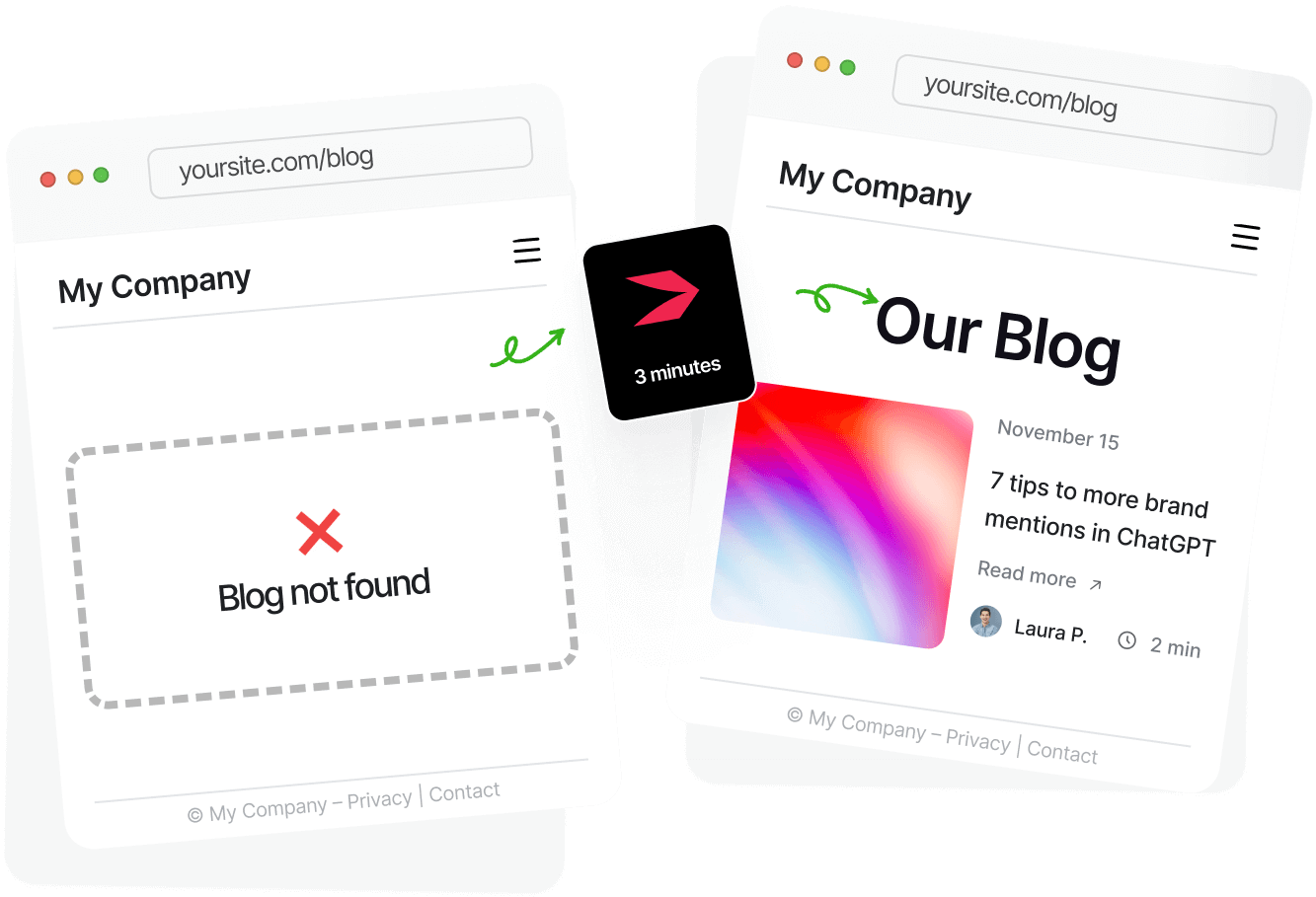
Why Subdirectories Win for Most Blogs
Subdirectories are a more convenient way to manage your site. You can still organize sections for easier navigation. And, using a subdirectory can save you money because you don’t have to pay for separate hosting or subscription fees.
However, the deciding factor in hosting your blog in a subdirectory is whether it supports your site. If it does, you should opt for the mysite.com/blog structure.
The real gains come in the form of SEO benefits. All the effort you put into optimizing your blog for search engines and attracting traffic translates to organic traffic for your entire site. The backlinks your blog gets directly impact your site’s authority. In short, every success you have with your blog affects your site.
When a Subdomain Actually Makes Sense
Having your blog on a subdomain can be worthwhile in some circumstances, though. Enterprise-level companies, or those with large amounts of content, can sometimes benefit from keeping their blog separate from the main website. Some companies feel that using a subdomain keeps their website architecture more organized and they prefer operating each section of their website independently.
Think of websites like Hubspot – this company has many business branches and has decided to use a subdomain for its blog. Their decision makes sense because they have thousands of blog posts and separate teams working on their blog and their main site.
However, a blog subdomain comes with a few technical constraints. For one, you often have to navigate two separate platforms: the one you used to create your site and the one you used for your blog. You also need to manage sitemaps, robots.txt, and structured data separately. And to help Google see a connection between your site and your blog, you have to cross-link your pages in your navigation, CTAs, and use in-post contextual links.
So, while technically subdomains are better for companies that want to separate their site from their blog and have separate teams to manage them, they take more work than creating a blog in a subdirectory.
Why Blogs End Up on Subdomains
Now that you know when to use a blog subdomain and when to host your blog in a subdirectory, the question is: Why are there so many blogs that are left on a subdomain when they would benefit more from a subdirectory setup? We’ll tell you why:
Platform limitations: Some platforms only give you the option to build a blog on a subdomain, whereas the option to transfer your blog to a subdirectory is often a workaround with a complicated setup.
Easier setup: While it might sound counterintuitive, setting up a blog on a subdomain is easier because you don’t have to modify your main site, and you can easily connect it to an external blogging tool. Additionally, you don’t have to rely on your dev team to manage your blog; instead, you can have separate teams work on your blog and your site.
Legacy decisions: Sometimes blogs are left on a subdomain because, in the past, it was an easier solution. Other times, site owners thought subdomains were better for SEO, and sometimes, the philosophy is: if it’s not broken, don’t try to fix it.
None of these reasons is good enough to keep your blog on a subdomain if it should be moved to a subdirectory. So, maybe now’s the time to rethink your decision to host your blog on a subdomain.
Migration (Subdomain → Subdirectory)
If you decide to move your blog to a subdirectory, here’s what you should keep in mind:
301 redirects: To avoid losing rankings and traffic, you’ll need to set up 301 redirects from old blog pages to the new ones.
Expected traffic dip/recovery: Once you set up your 301 redirects, don’t be alarmed if your rankings drop. This will be a temporary drop while Google processes those redirects and reindexes your blog posts. If you do everything right, rankings often recover over time if the migration is handled correctly, typically within several weeks to a few months.
Timeline expectations: You’re probably most interested in how much time switching from a subdomain to a subdirectory will take. The initial drop in rankings will likely occur within a couple of days to a couple of weeks. You can expect the rankings to stabilize after two to six weeks, while your blog’s traffic and ranking will return to their full glory within a few months.
The transition time depends on some factors you can’t control, such as crawl frequency and your blog size, and on other factors you can control, such as how well you’ve implemented those 301 redirects. So, make sure to give it time and don’t stress about the initial ranking drops because that’s all part of the process.
The Real Problem
In general, subdirectories are better, but harder to implement if your blog already lives on a subdomain. Your developer team will have to set up redirects for all your blog posts, which may take time if you have a lot of content. Additional tasks may include migrating hosting and rebuilding content into one CMS, and updating canonicals and sitemaps.
If migration complexity is what’s holding you back, there are tools designed to simplify this process. One example is DropInBlog, which lets you run your blog in a subdirectory without a complex migration.
Host Your Blog in a Subdirectory with DropInBlog

DropInBlog is a third-party blogging app similar to WordPress, but unlike WordPress and other third-party blogging apps that sit on a subdomain, it drops straight into your site as a subdirectory.
It’s simple yet powerful and makes it easy to manage your content. Better yet, its lightweight structure means it won’t slow down your page loading speed.
DropInBlog Blogging Features
The content editor is similar to WordPress but highly user-friendly. It includes a wide range of professional features to help you create great blog posts time and time again. DropInBlog gives you the ability to schedule posts, add multiple authors, edit meta tags and descriptions, and fully edit page URLs.
It even comes with a built-in SEO Analyzer tool that scores your content and provides helpful recommendations for improvement.
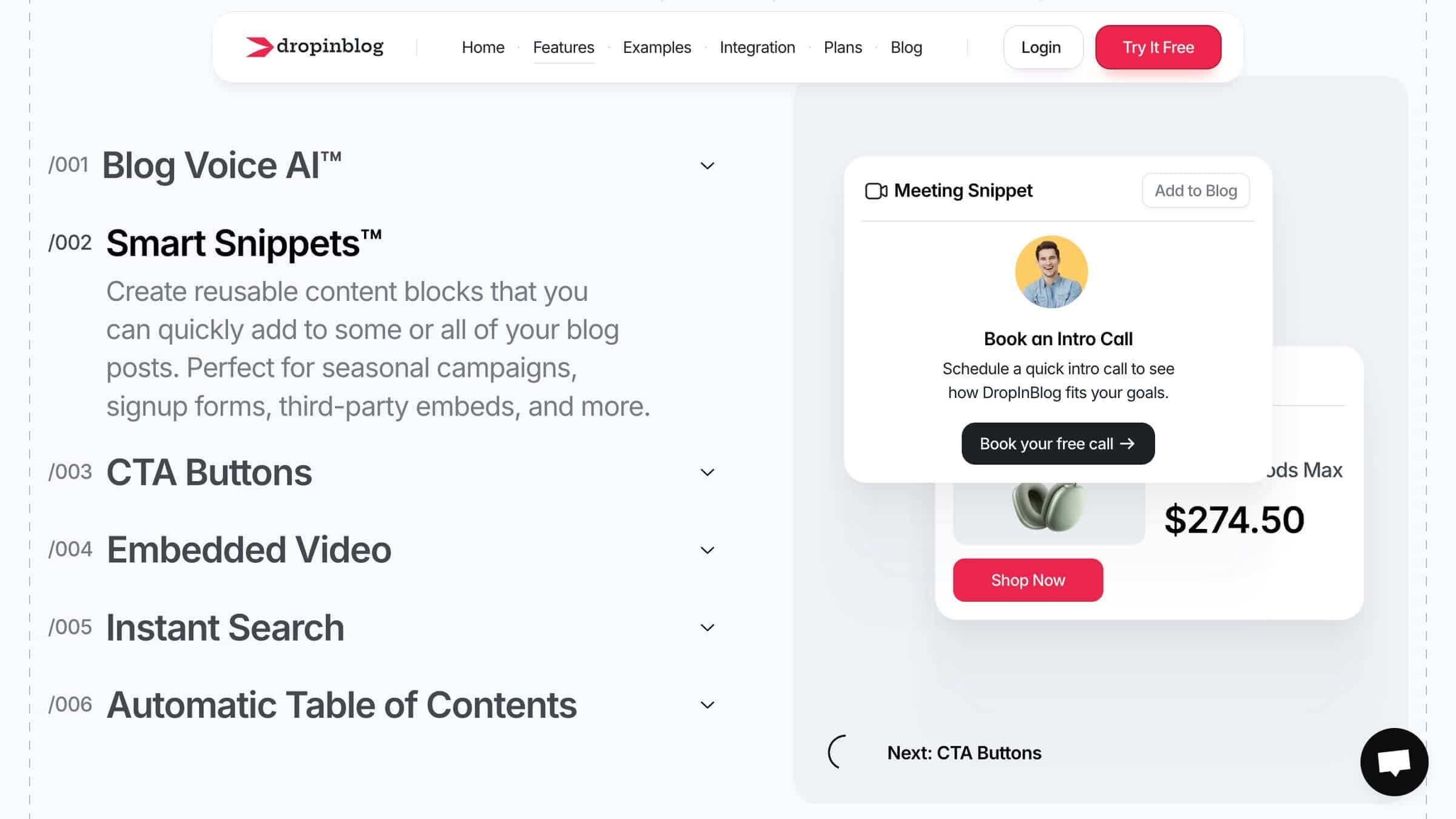
Other features that make blogging easy with DropInBlog include an AI-powered content planning tool, Blog Pilot™, the platform’s text-to-speech engine, and reusable content blocks, called Smart Snippets™.
Easy Integration
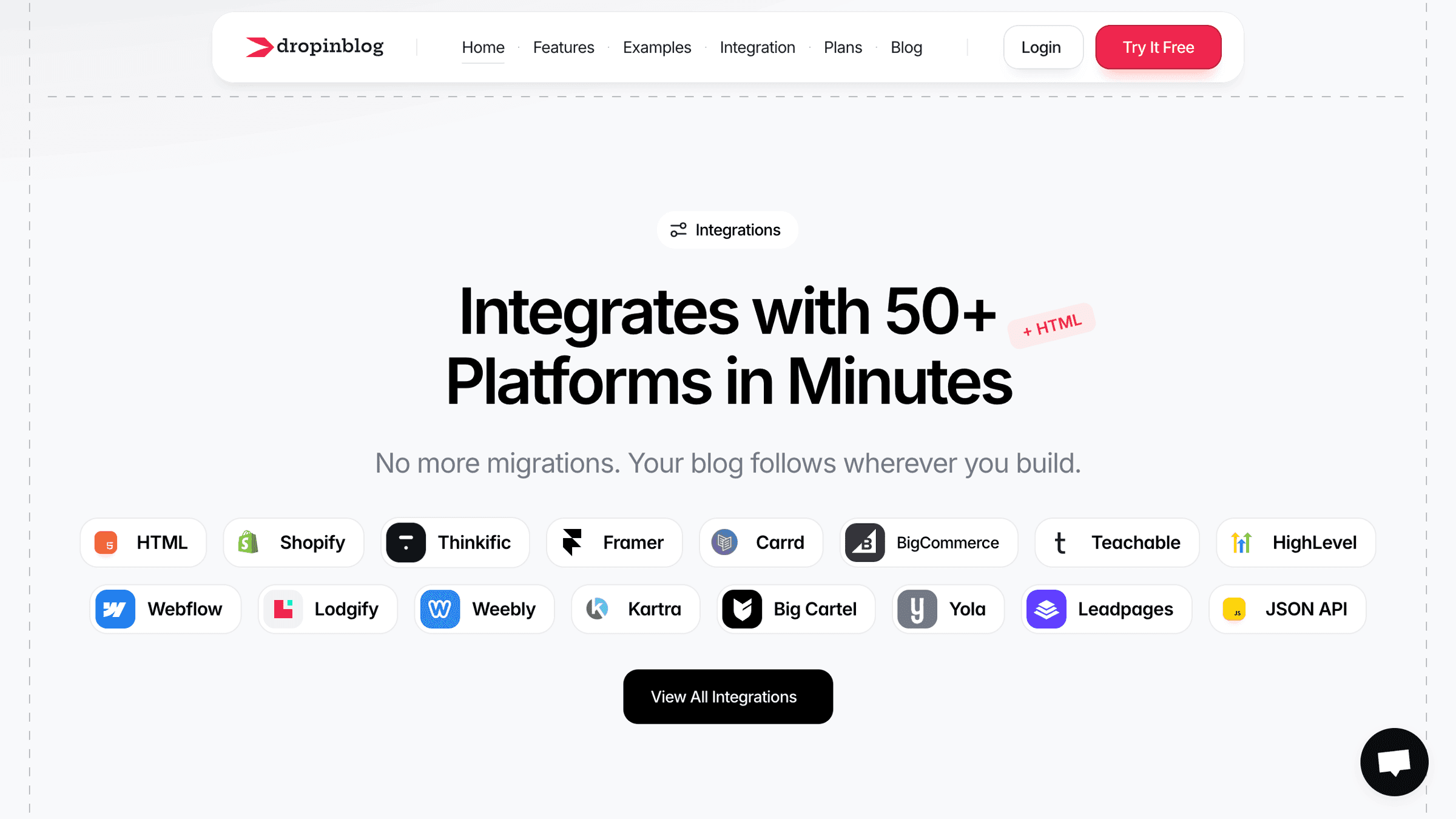
Worried about compatibility? DropInBlog is easily integrated with a wide variety of site builders, membership platforms, and e-commerce stores. Blogging is made fast and easy because your site’s CSS and style are automatically adopted for the blog pages. This means you don’t have to spend time adjusting and reformatting after each post.
FAQs
How does using a subdirectory for your blog compare to using a subdomain?
A subdirectory is essentially a set of folders within your website, whereas a subdomain is more like a separate site entirely. A subdomain can have big implications for SEO, so it’s worth considering when you choose where to place your blog.
Can using a subdomain or subdirectory impact website page load speed and performance?
Having your blog on a subdomain can slow down page load speed, but not always. It really depends on how the subdomain is set up and managed.
A subdirectory, however, will not have a negative impact on page load speed, even if you have 20 sub-folders.
Is a subdomain bad for SEO?
Not necessarily. Even though subdomains are treated as separate from your main site, they still have some SEO benefits. You need to manage your subdomain and domain SEO separately, but you can still enjoy the benefits of your SEO strategies.
Does Google treat a blog subdirectory and subdomain the same?
Google can treat subdomains and subdirectories similarly, but in practice, they are sometimes evaluated differently.
Should my blog be on a subdomain?
Your blog should be on a subdomain if you want to separate it from your main site. Otherwise, hosting a blog in a subdirectory is the preferred option for building your site’s authority and boosting its SEO.
Can I switch from a subdomain to a subdirectory later?
Yes, you can switch your blog from a subdomain to a subdirectory later. However, keep in mind that the process may be lengthy if you have a lot of content on your blog. It requires migrating your content, updating database URLs, and implementing 301 redirects, but it’s worth the effort if it makes more sense for your blog to live in a subdirectory.
Final Thoughts
Hopefully, this has made the decision easy for you – will it be a subdomain or subdirectory for blogging? For most businesses, the decision is straightforward: if your blog supports your site, it belongs in a subdirectory. Subdomains have their place, but for SEO-driven growth, they’re usually the less efficient option.
You’ll get all the SEO rewards with a subdirectory, and your site won’t lag or slow down. We also covered a great blogging platform that lives within a subdirectory on your domain – DropInBlog. You can test it for free and see for yourself.
Happy blogging!